How the Studio Works

A step-by-step guide to Amazon product listing optimization with AI — from product prep to downloading your complete visual content set.

The Optimal Workflow

Step 1: Prep Your Product

Upload a clear photo of your product. The AI performs background removal and uses your photo as the "Surface Truth" — the real-world reference for generating accurate product visualization. Better source photos produce better results.

Step 2: Choose Your Path

Select Done-For-You (our team handles everything) or DIY Studio (you control the creative process). Both paths use the same AI engine and deliver Amazon-compliant images.

Step 3: Request Modifications

Review generated images and request changes with built-in product image editing tools. Adjust backgrounds, angles, text overlays, and styling until every image meets your vision.

Step 4: Create a 360 Video

Generate a 360-degree product video in 4K or 2K resolution. Videos are Amazon-compliant and ready for your listing's video slot.

Step 5: Import an Existing Listing

Already selling on the Amazon marketplace? Import your ASIN to pull in existing product data — title, features, category, and images. The Listing Intelligence tool builds your Visual DNA from existing content, making it one of the most powerful Amazon seller tools for catalogue-wide listing optimization.

The Perfect Capture — Product Photography Tips

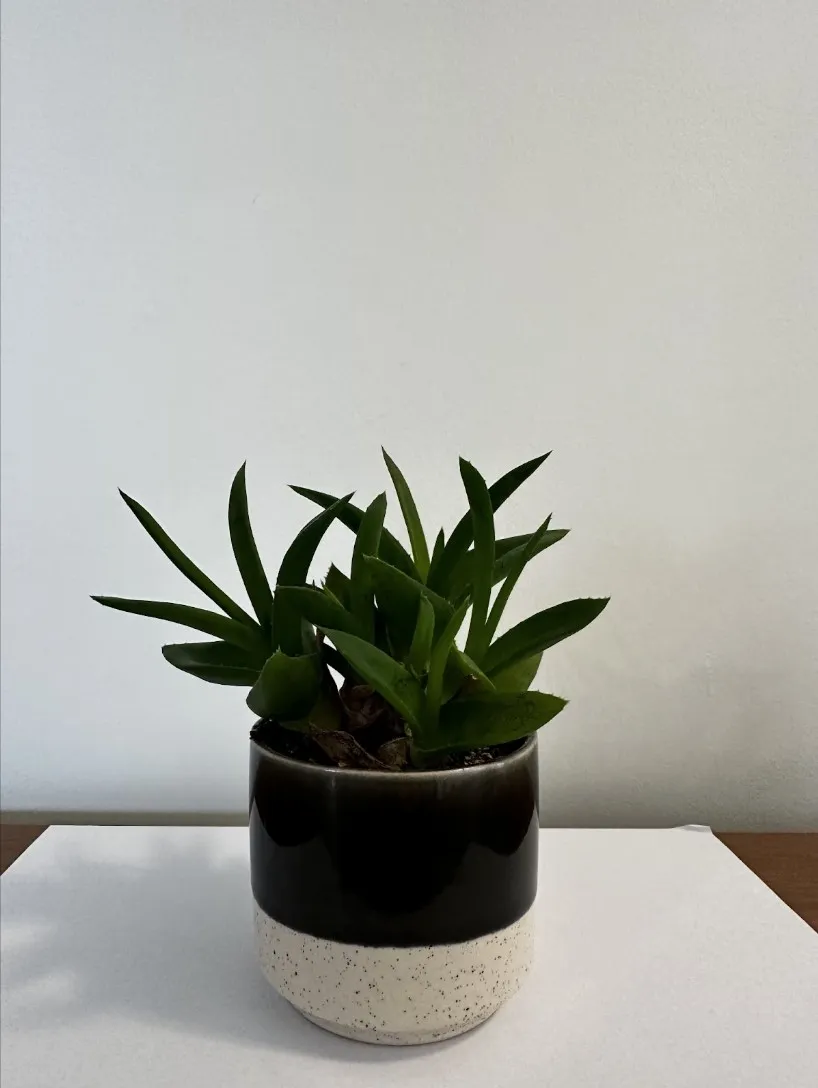
You don't need expensive equipment. A smartphone and natural light are enough to produce source photos the AI can work with.

Clean Contrast & Even Lighting

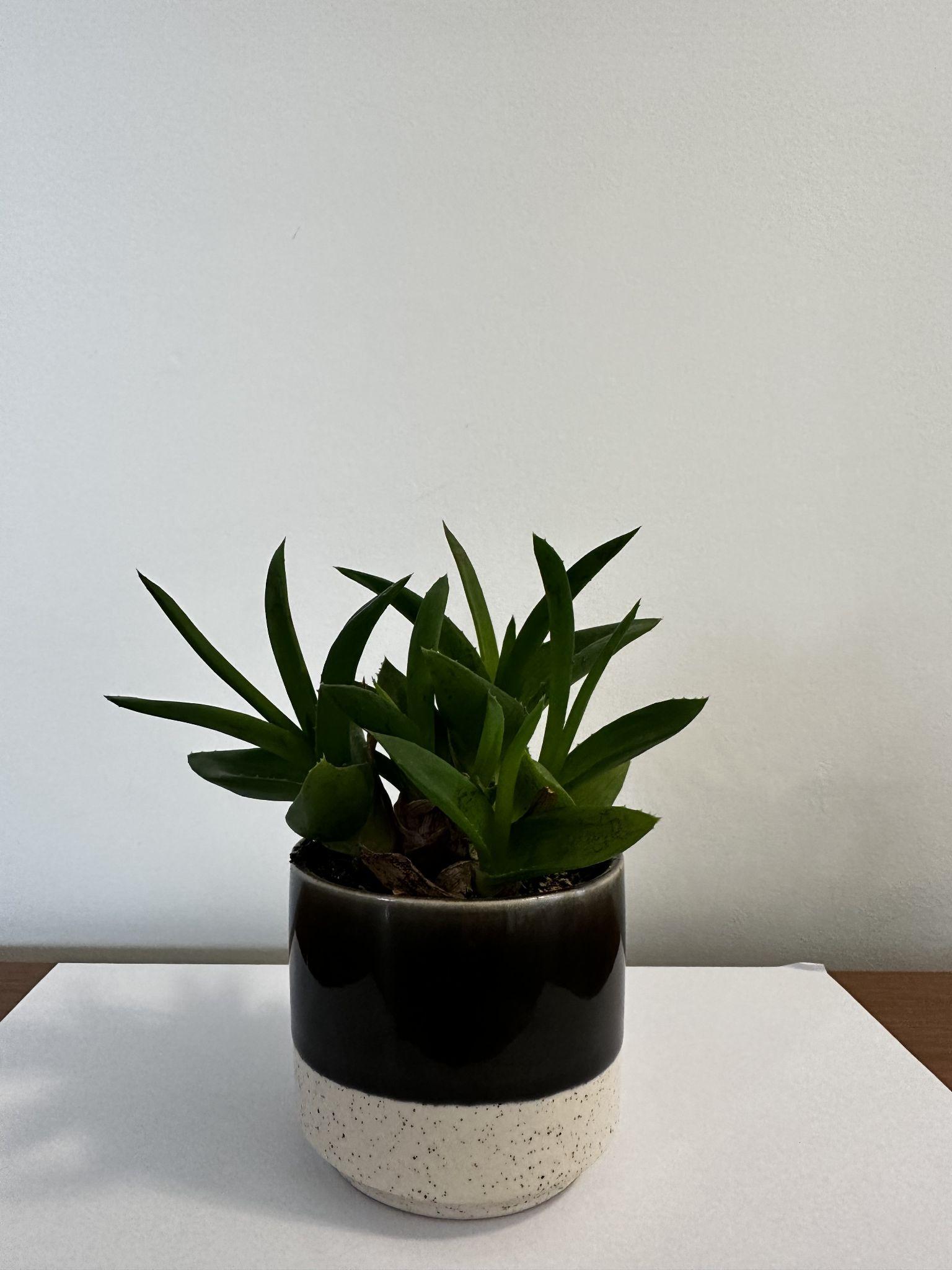
Product photography guide — raw phone photo with even window lighting on a plain background

Place your product on a plain white or light surface near a window. Avoid harsh shadows — even, diffused lighting gives the AI the clearest reference.

Posture & Completeness

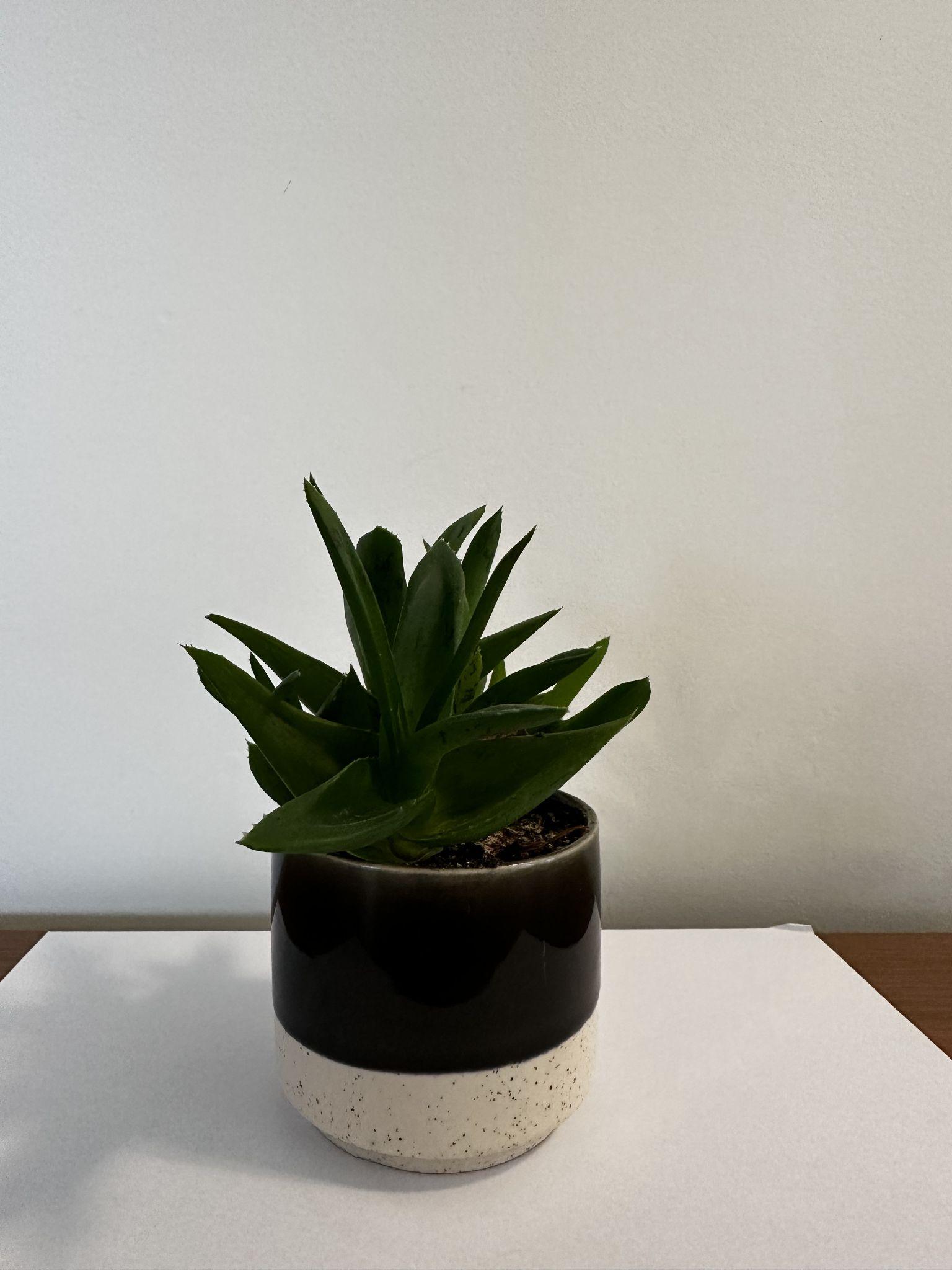
Product photography guide — product positioned upright showing full shape and all components

Show the product fully assembled, unpackaged, and in its natural orientation. Include all components that ship with the product.

Close-Up Clarity

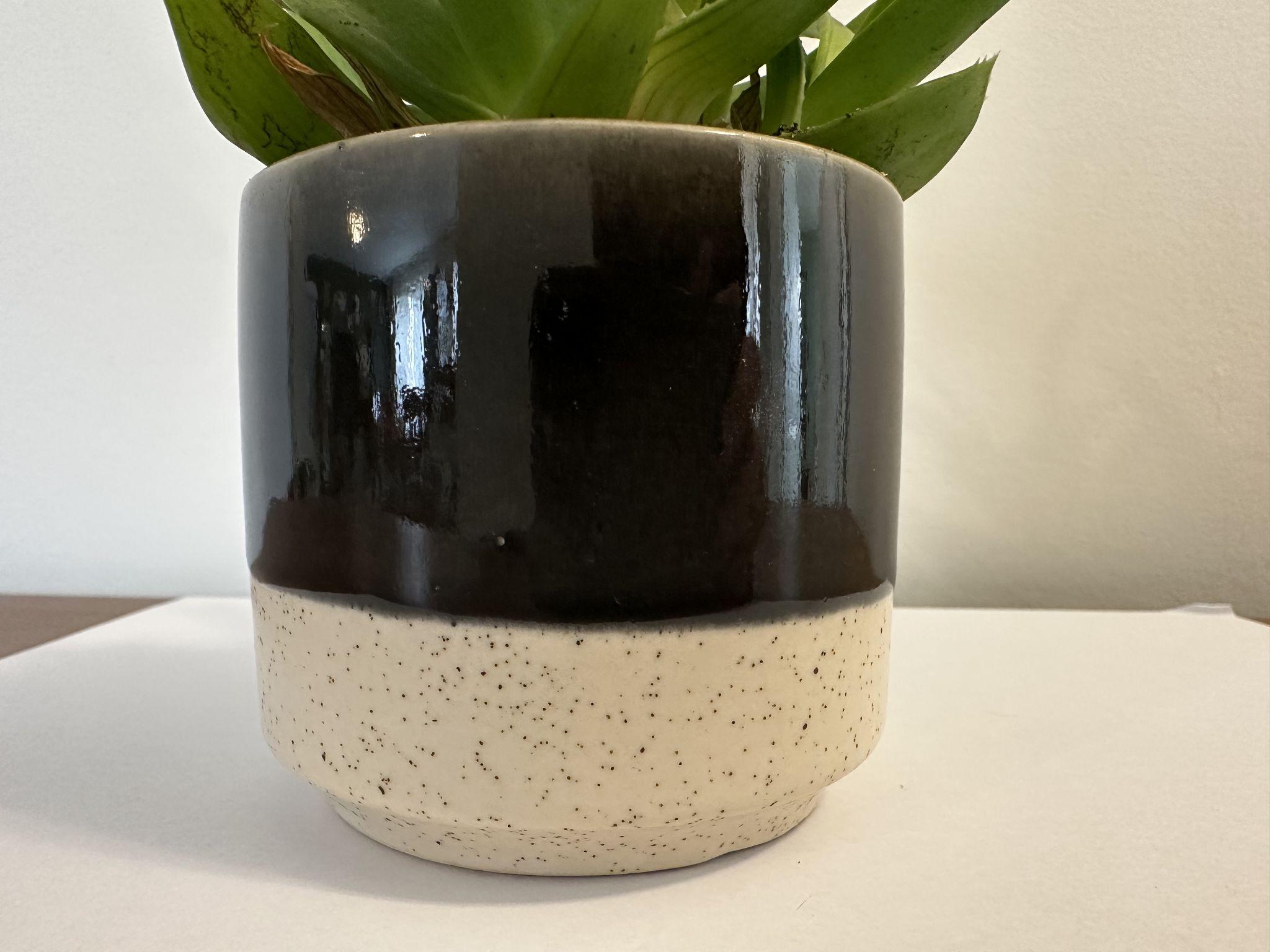
Product photography guide — close-up detail shot showing texture and label clarity

Capture detail shots of textures, labels, and unique features. The AI uses these to generate accurate infographic callouts.

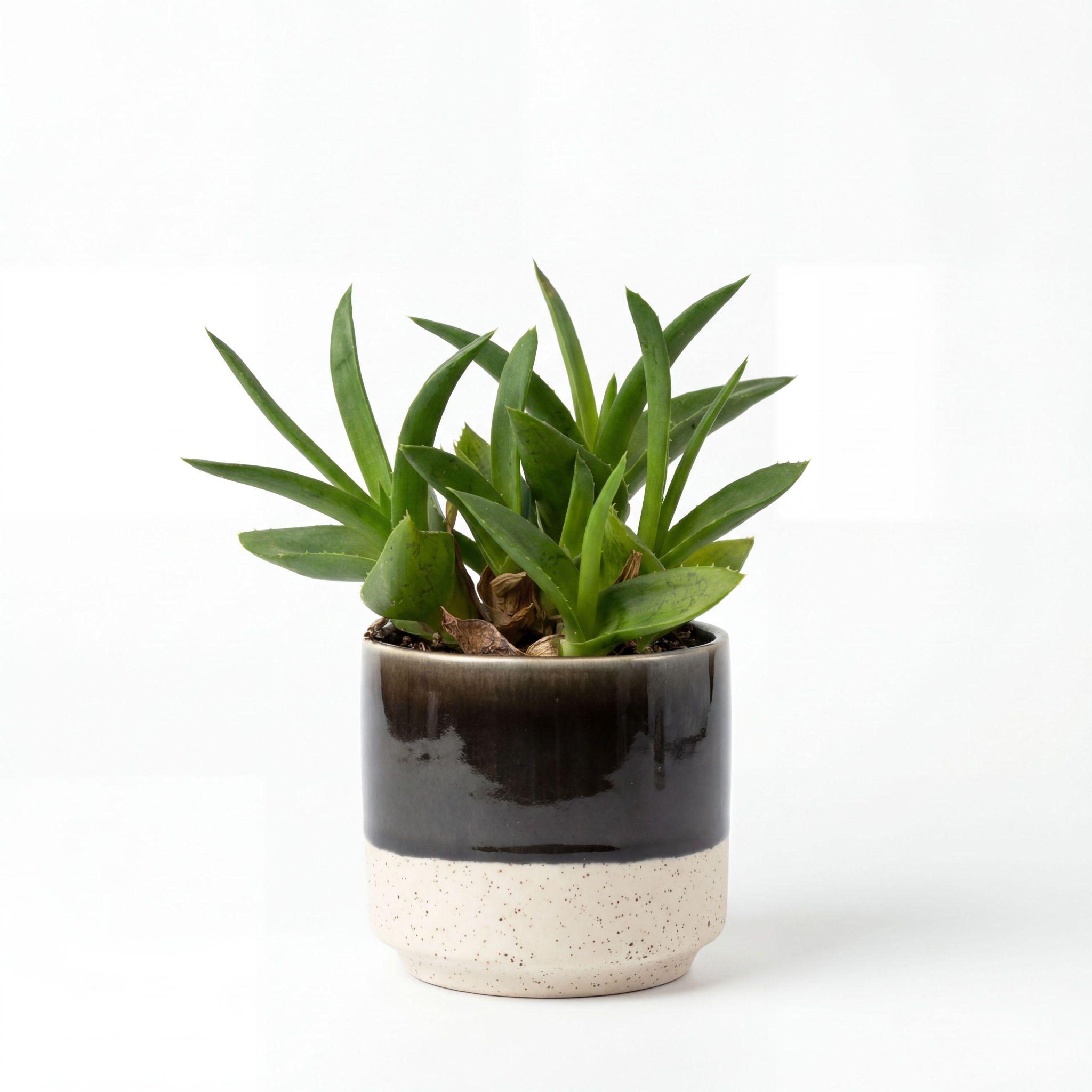
Before & After — Source Photo vs Optimised Result

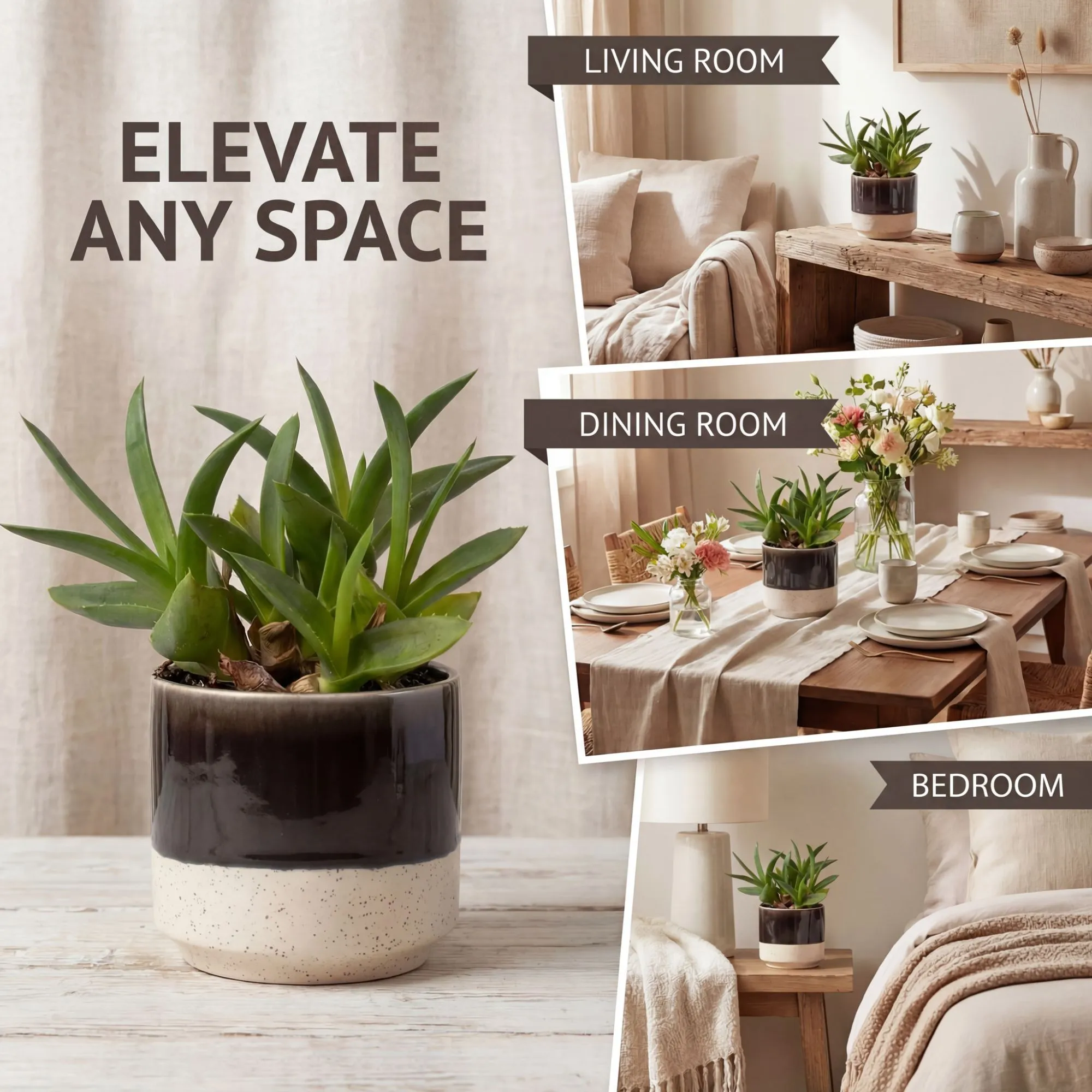
Before — raw smartphone product photo After — optimised source photo ready for AI generation

Studio-Quality Shots, No Studio Needed

  • DIY backgrounds — use plain paper or fabric behind your product
  • Window light is free studio light — photograph near a large window for soft, even illumination
  • Phone camera is enough — modern smartphones exceed the resolution Amazon requires
  • Steady and straight — prop your phone against something stable for sharp images
  • Clean the scene — remove distracting objects from the background
  • Photograph the finished product — not the box, not the packaging, the actual item

Explore Studio Themes

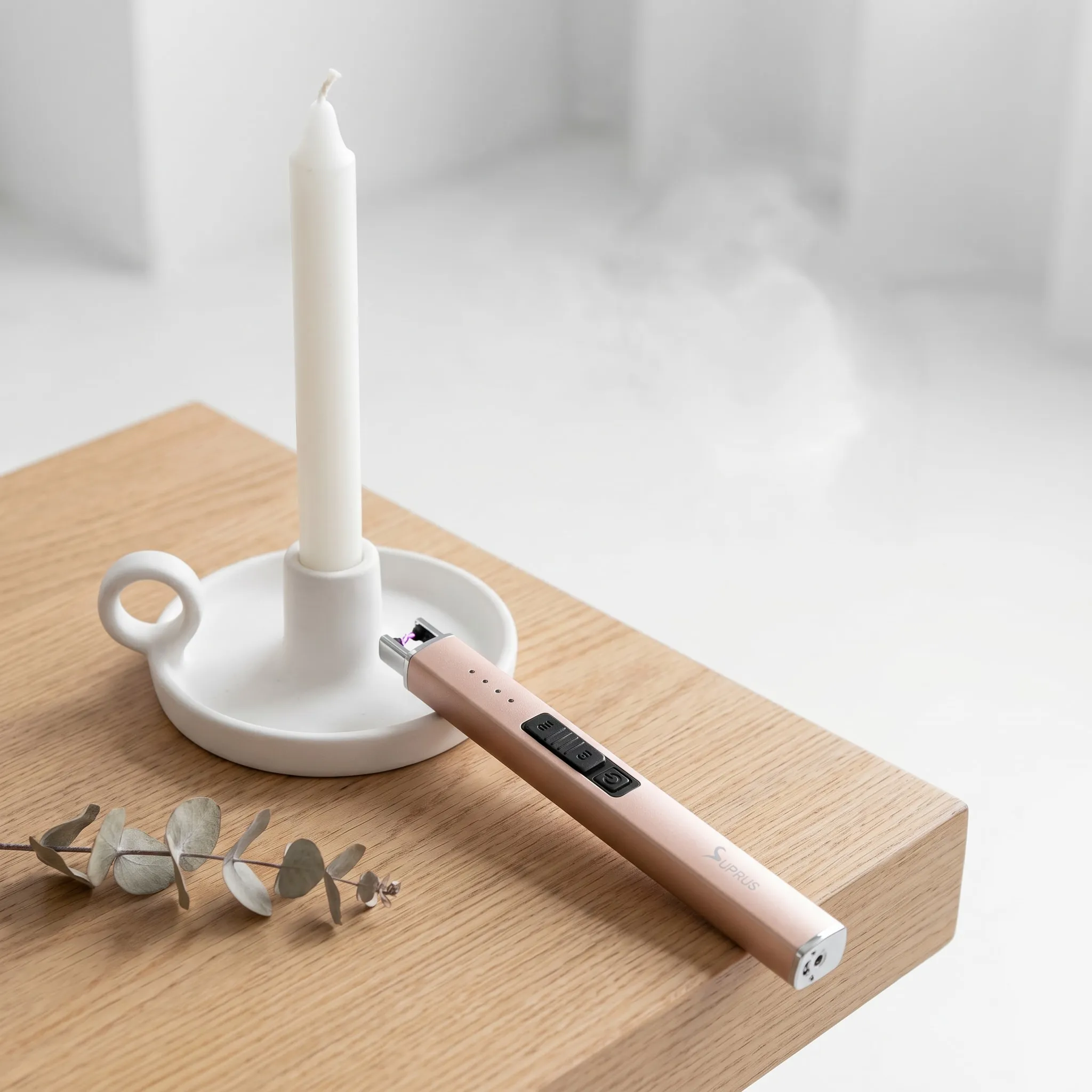
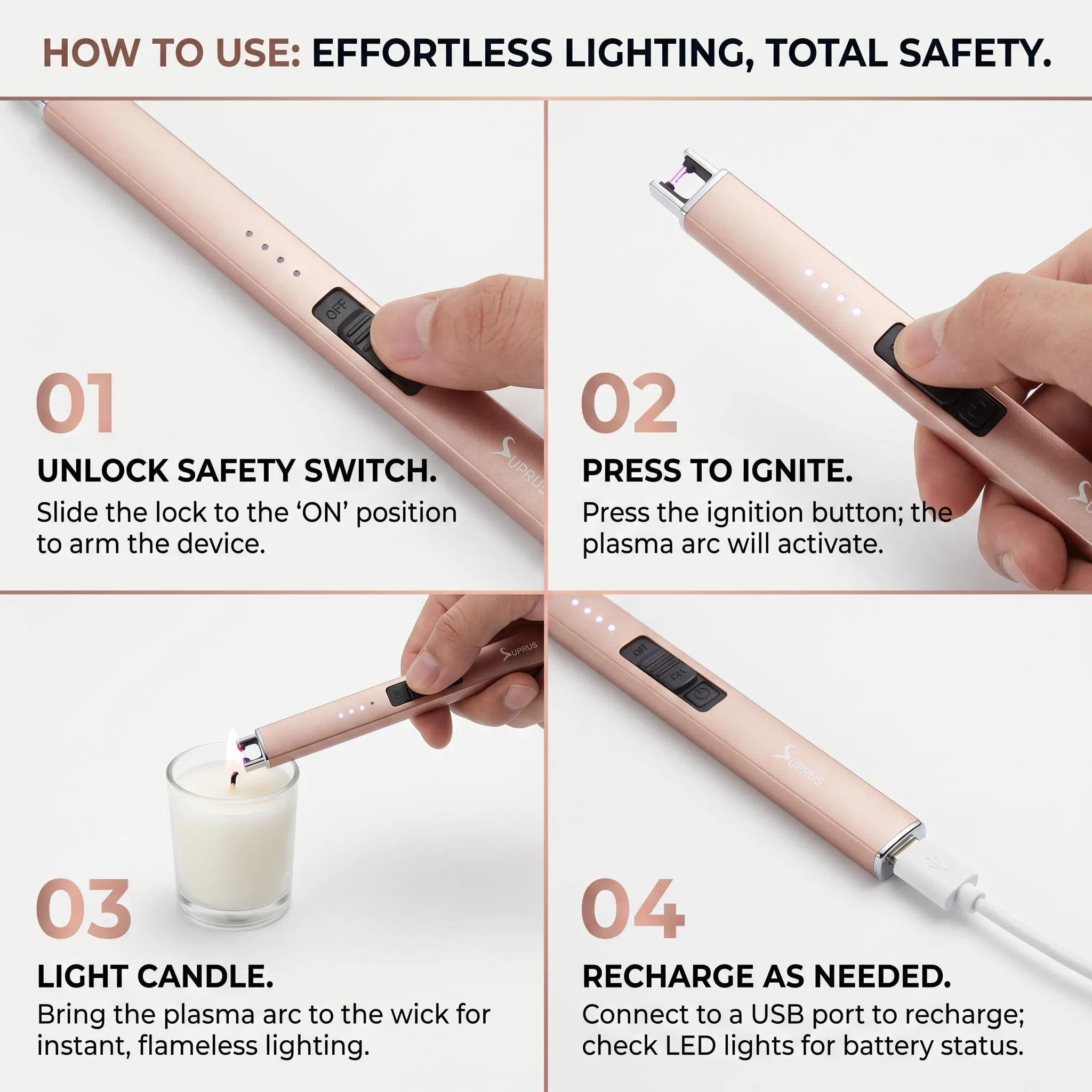
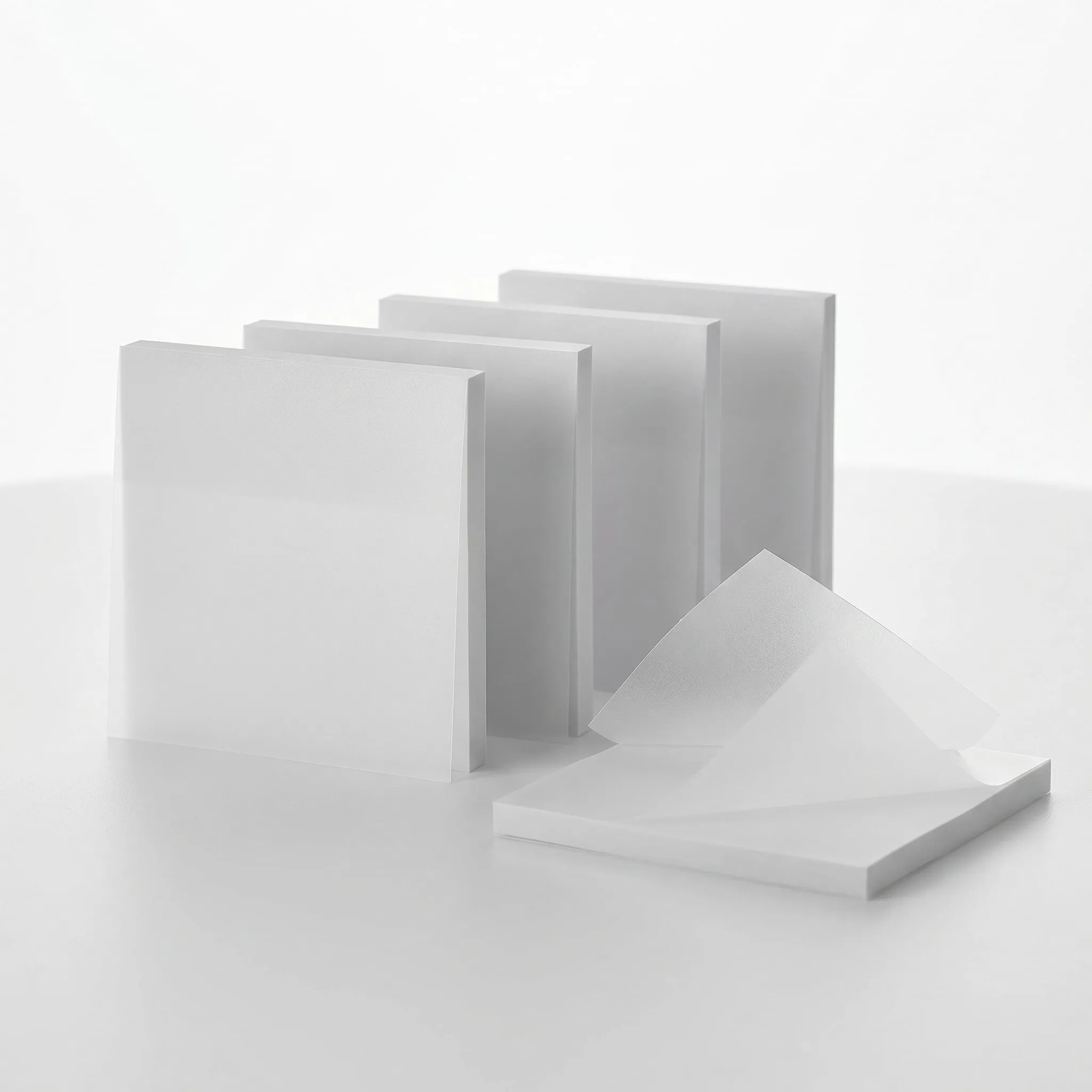
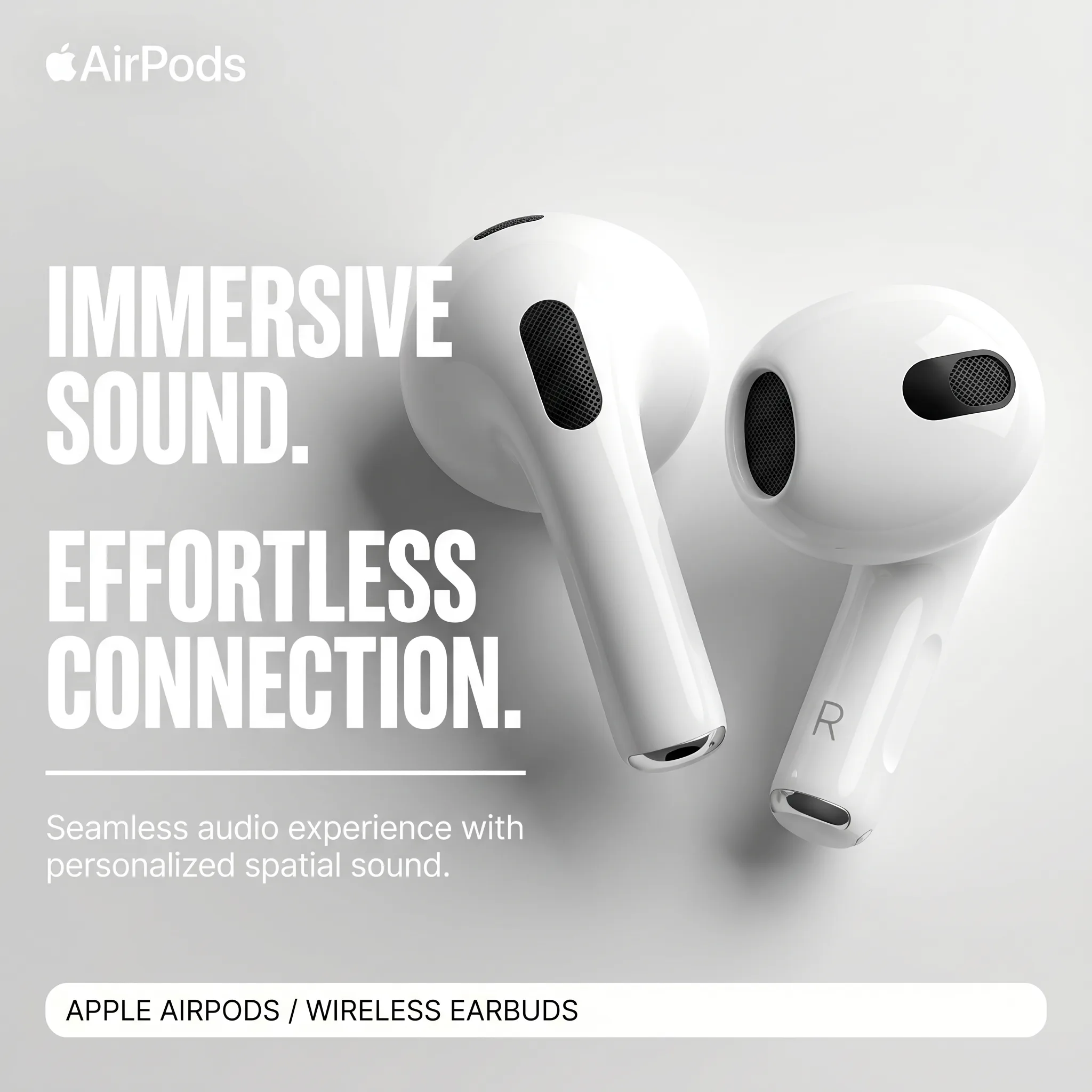
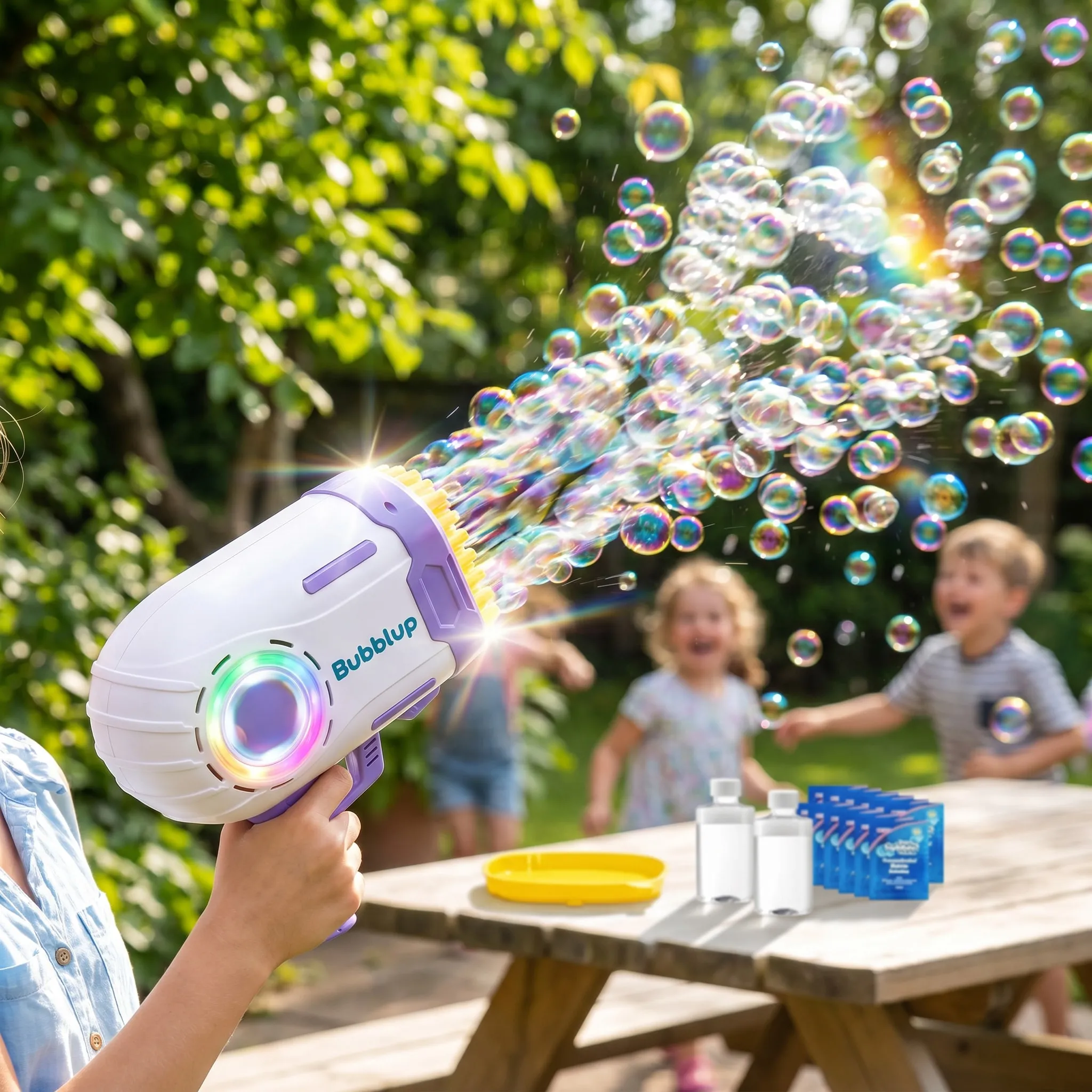
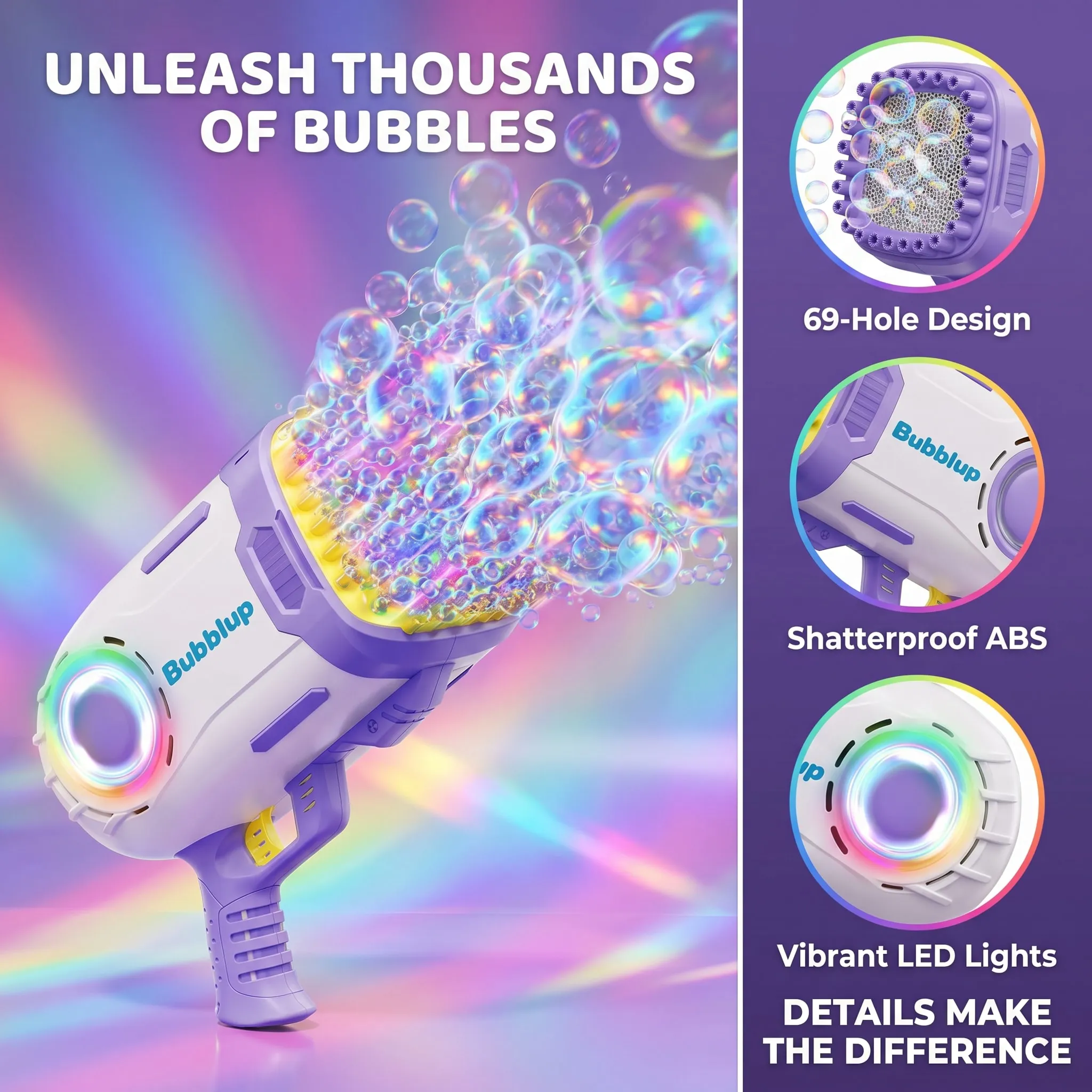
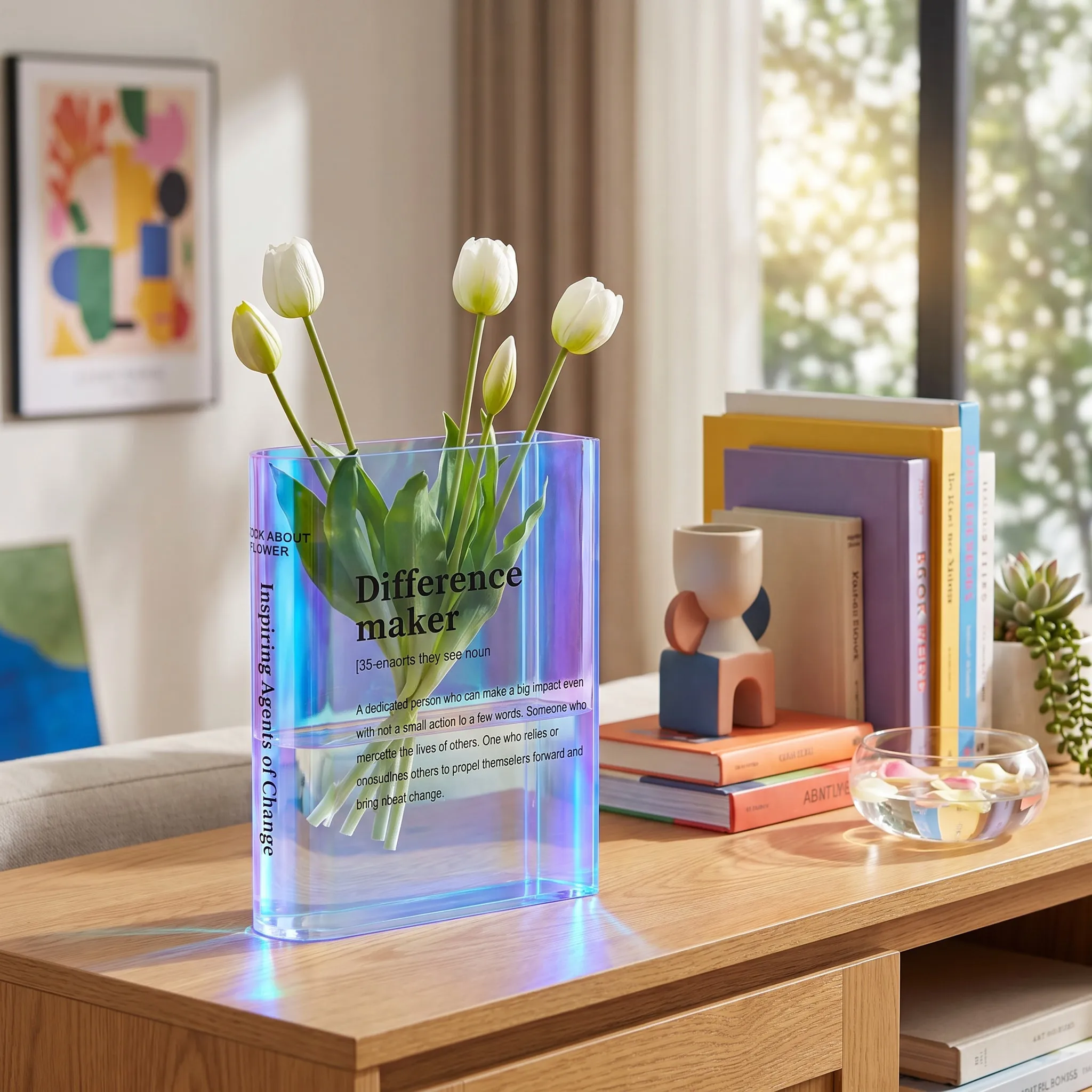
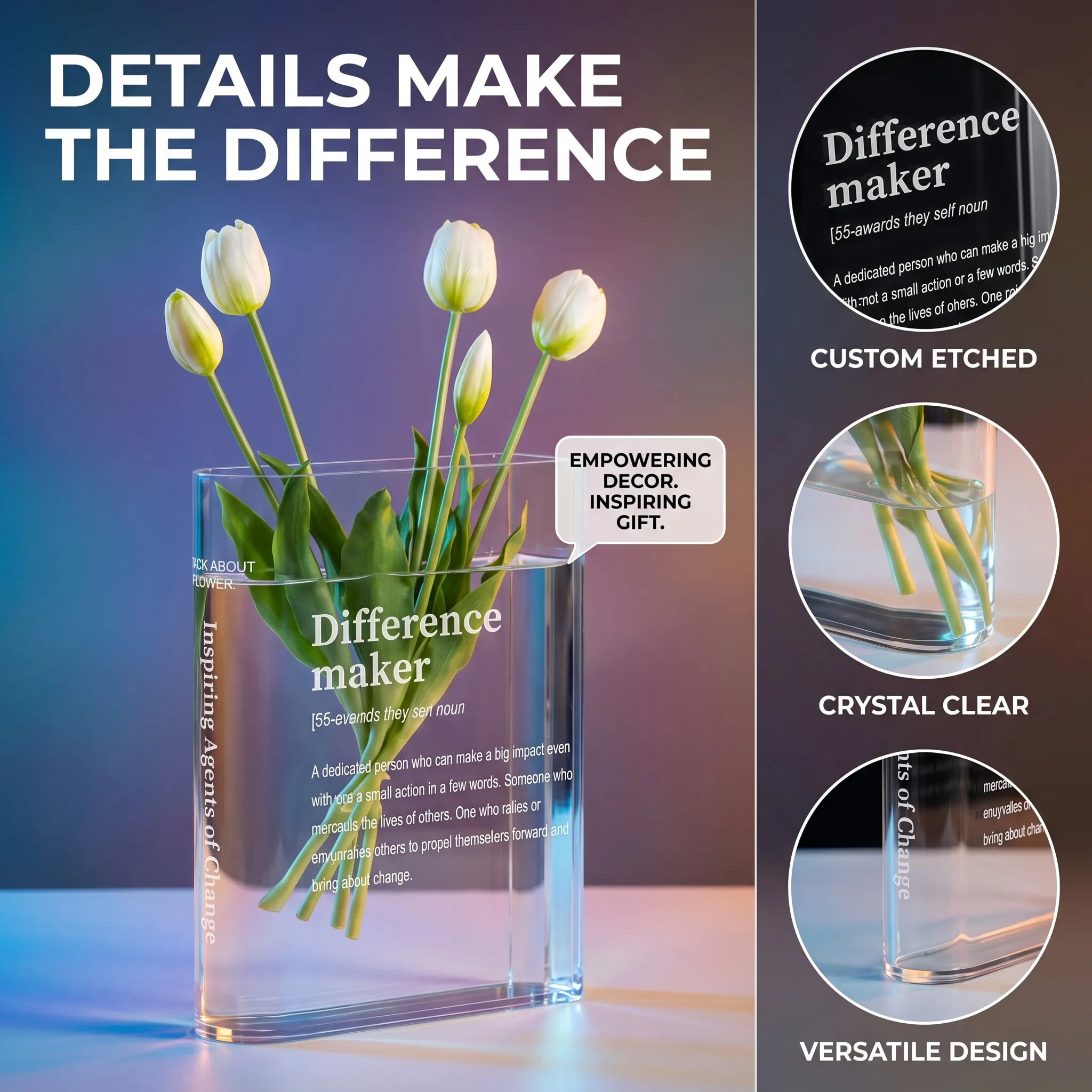
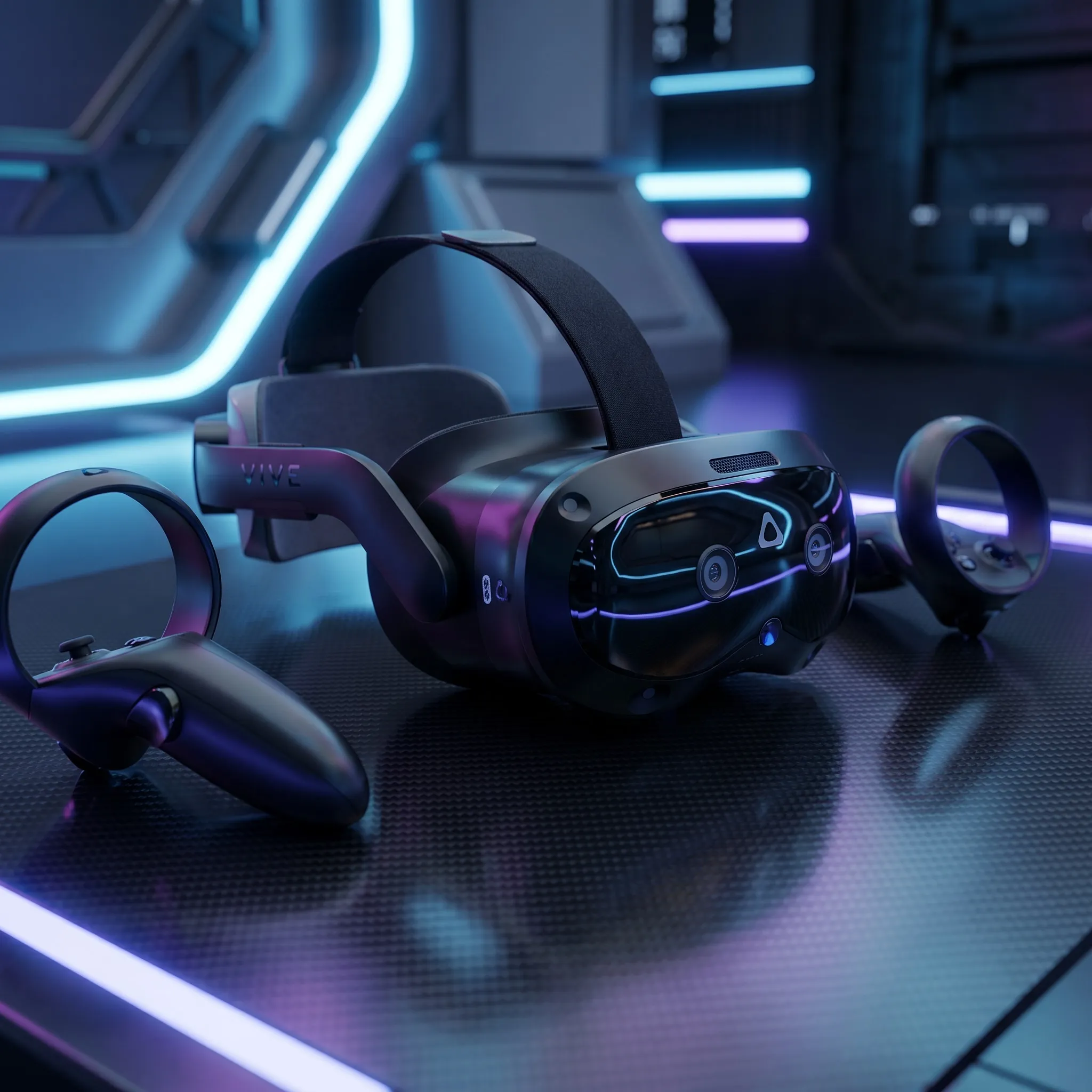
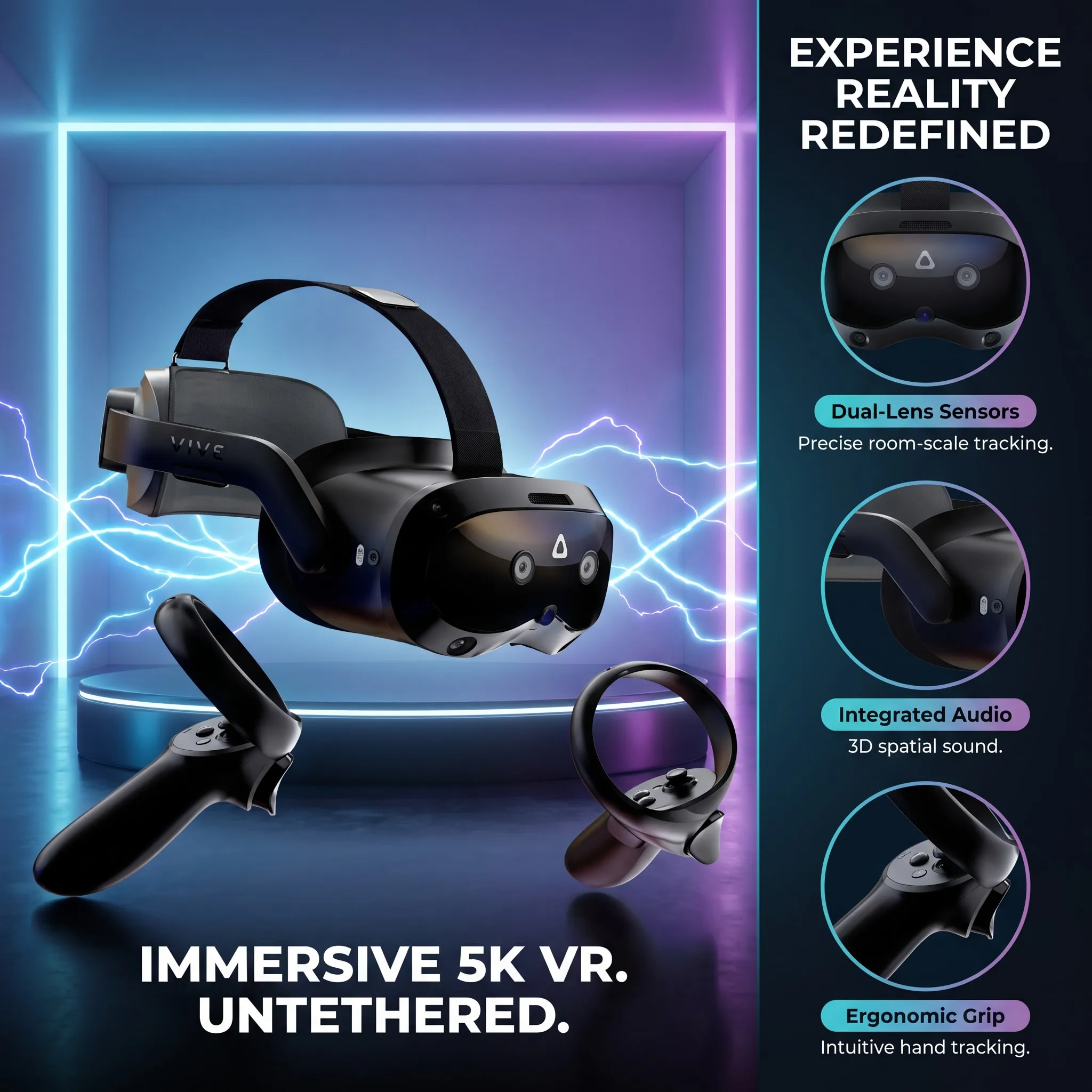
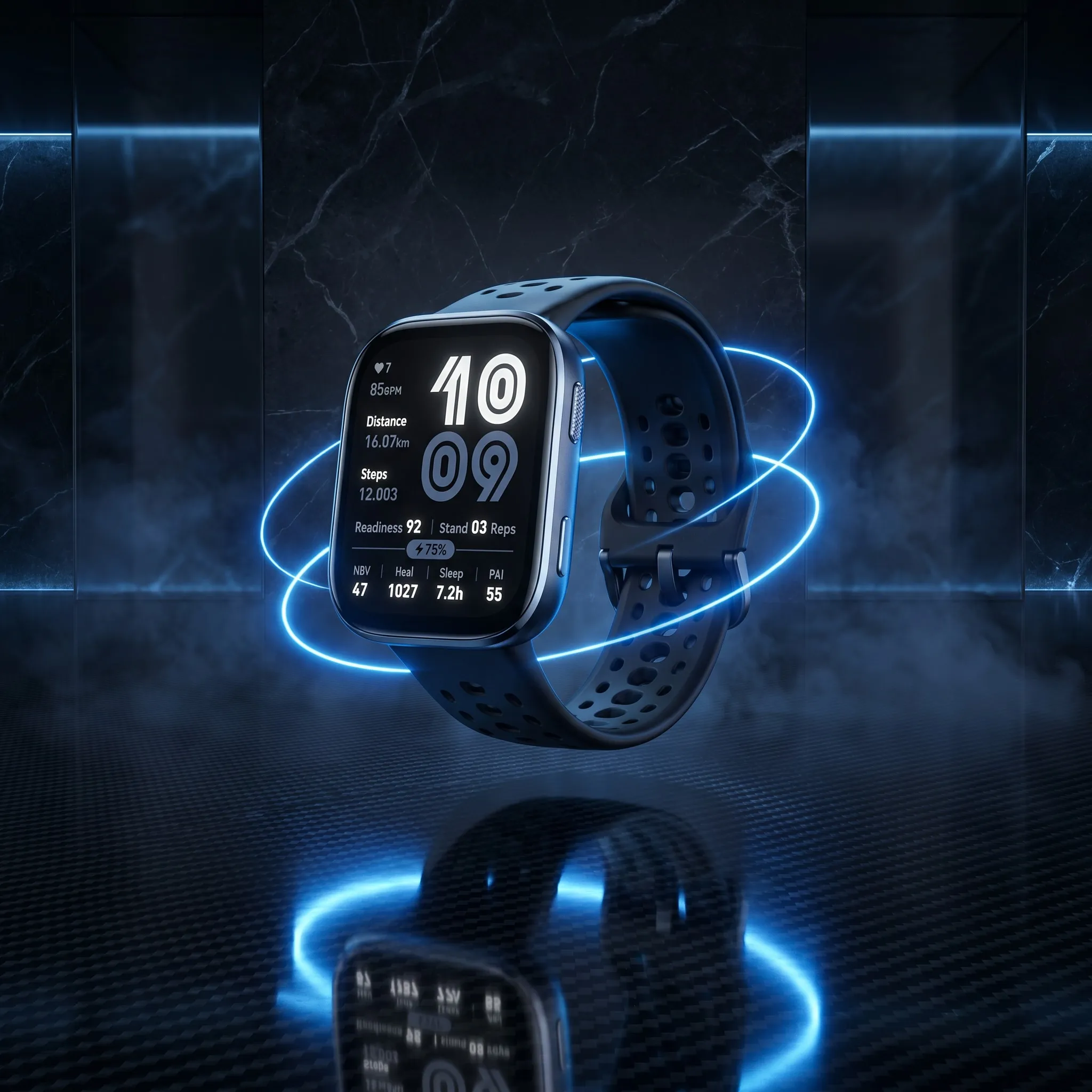
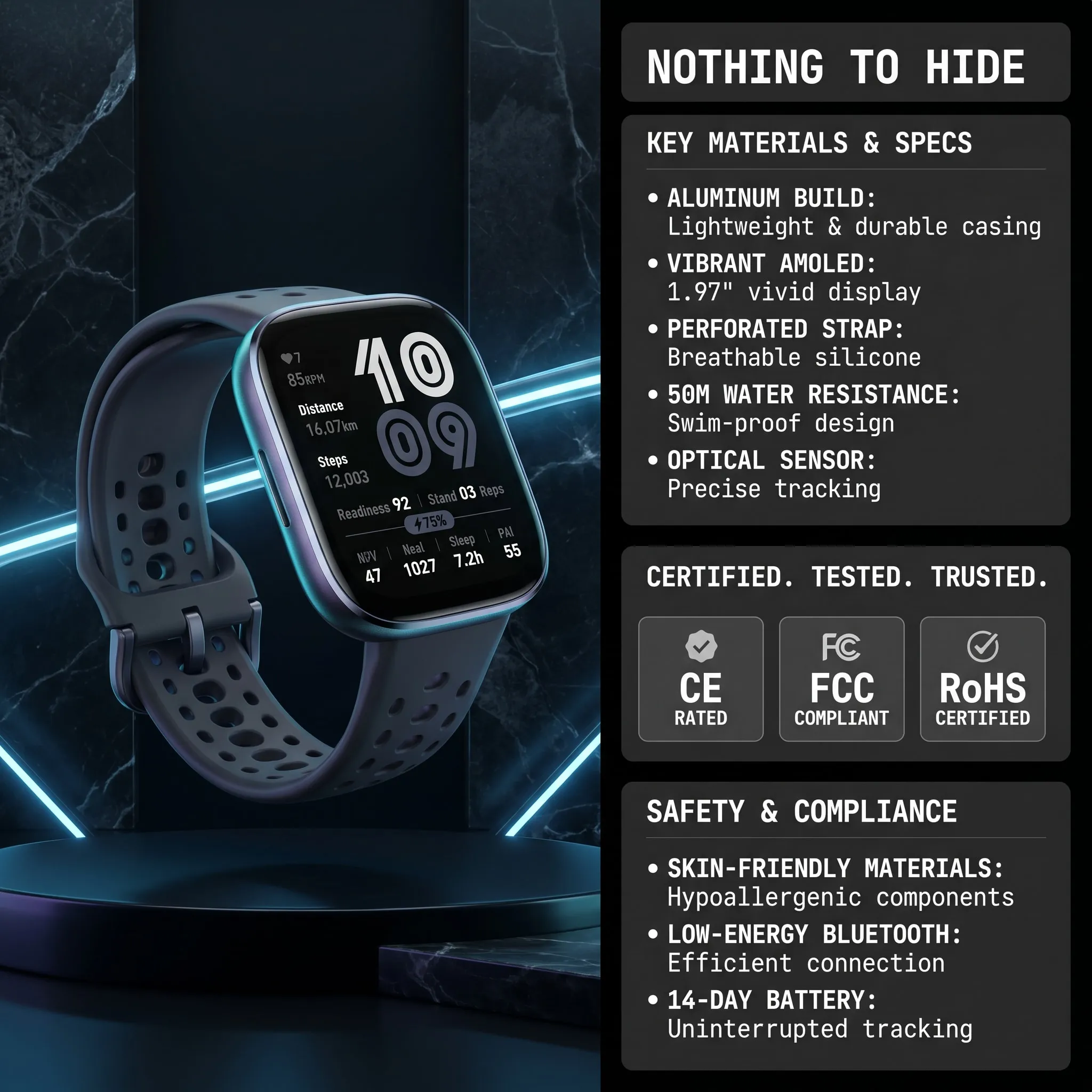
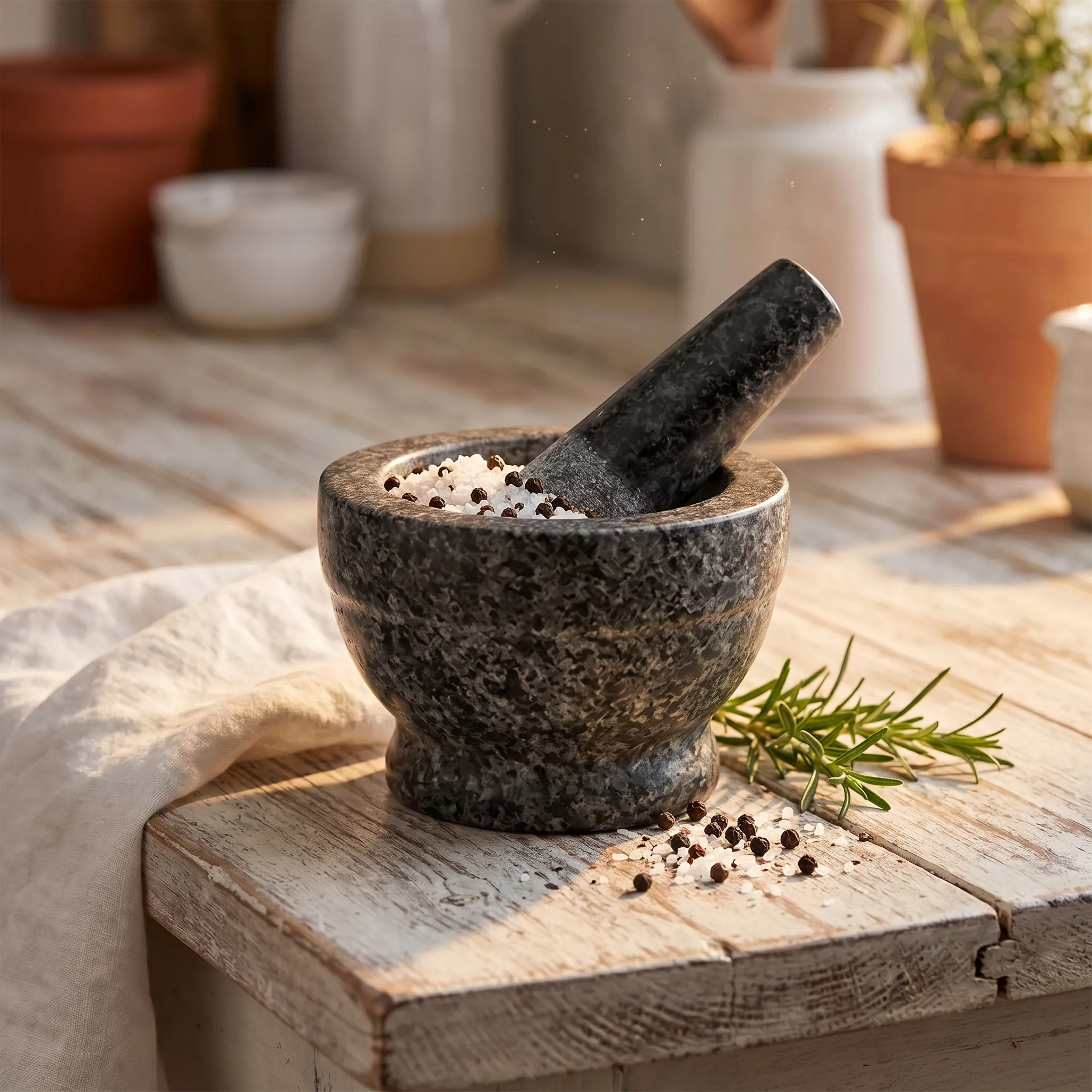
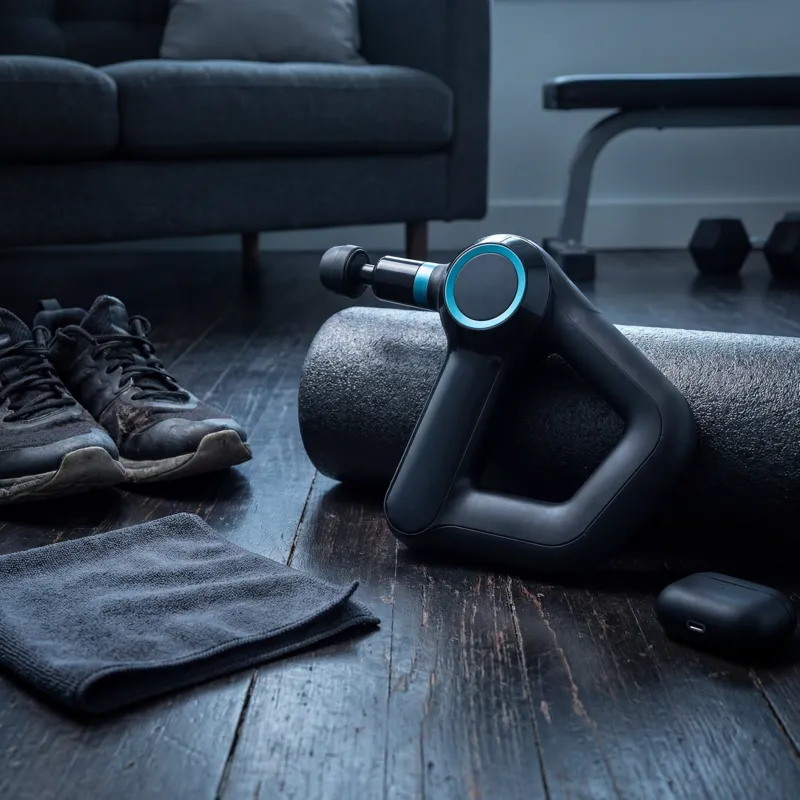
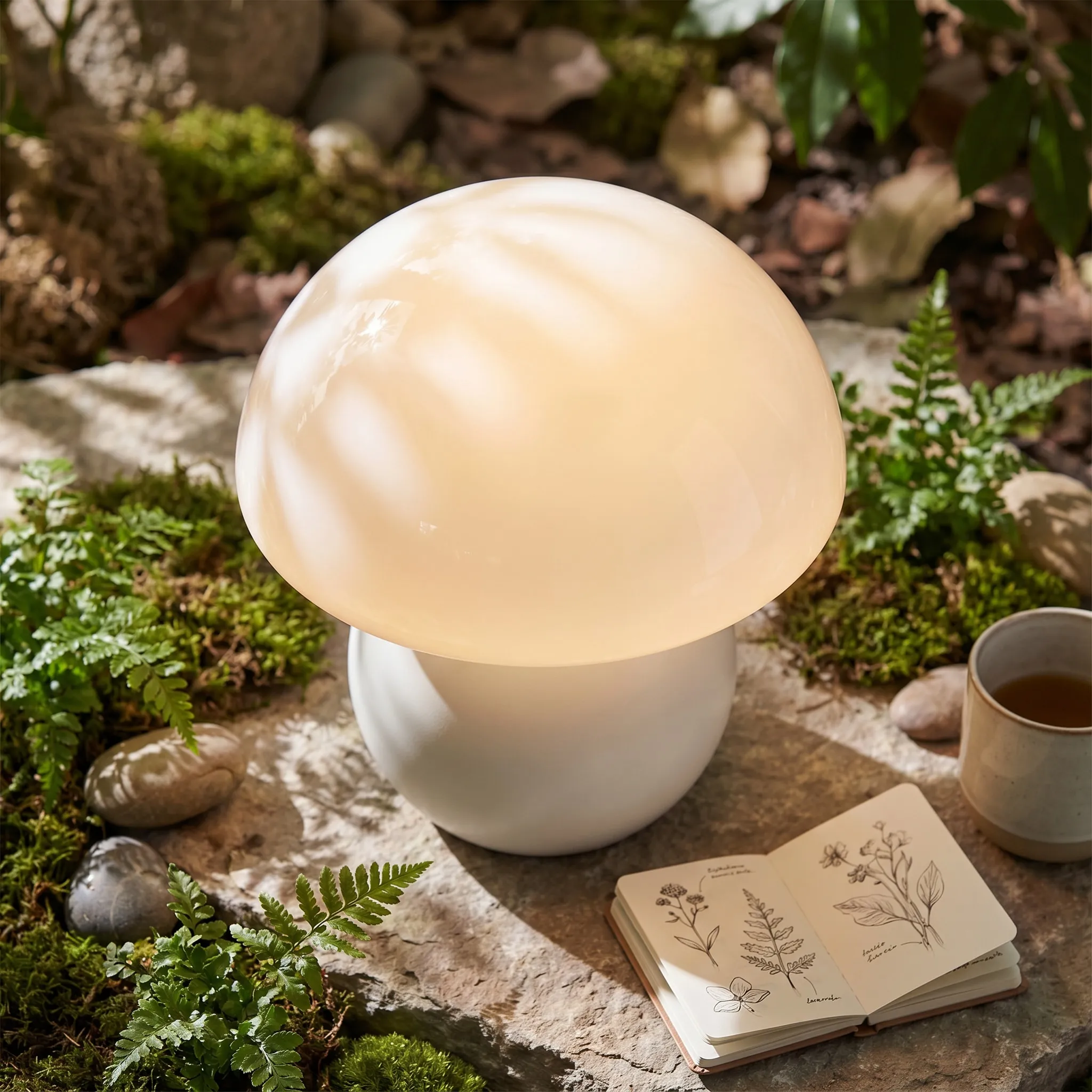
Choose from dozens of Listing Vibes — visual mood presets that define the style of your generated images. From minimal white to vibrant lifestyle scenes, each vibe produces a cohesive 7-image set.

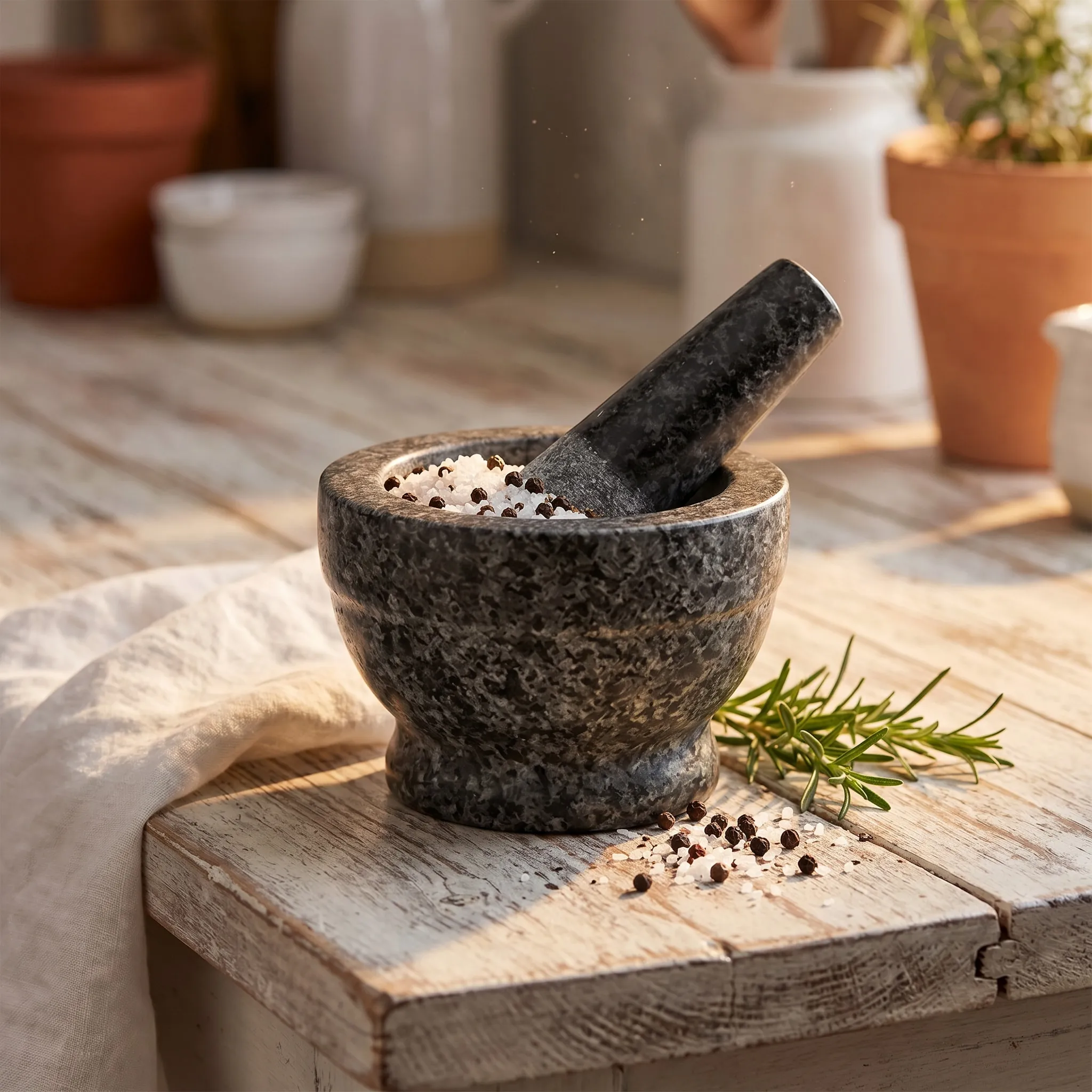
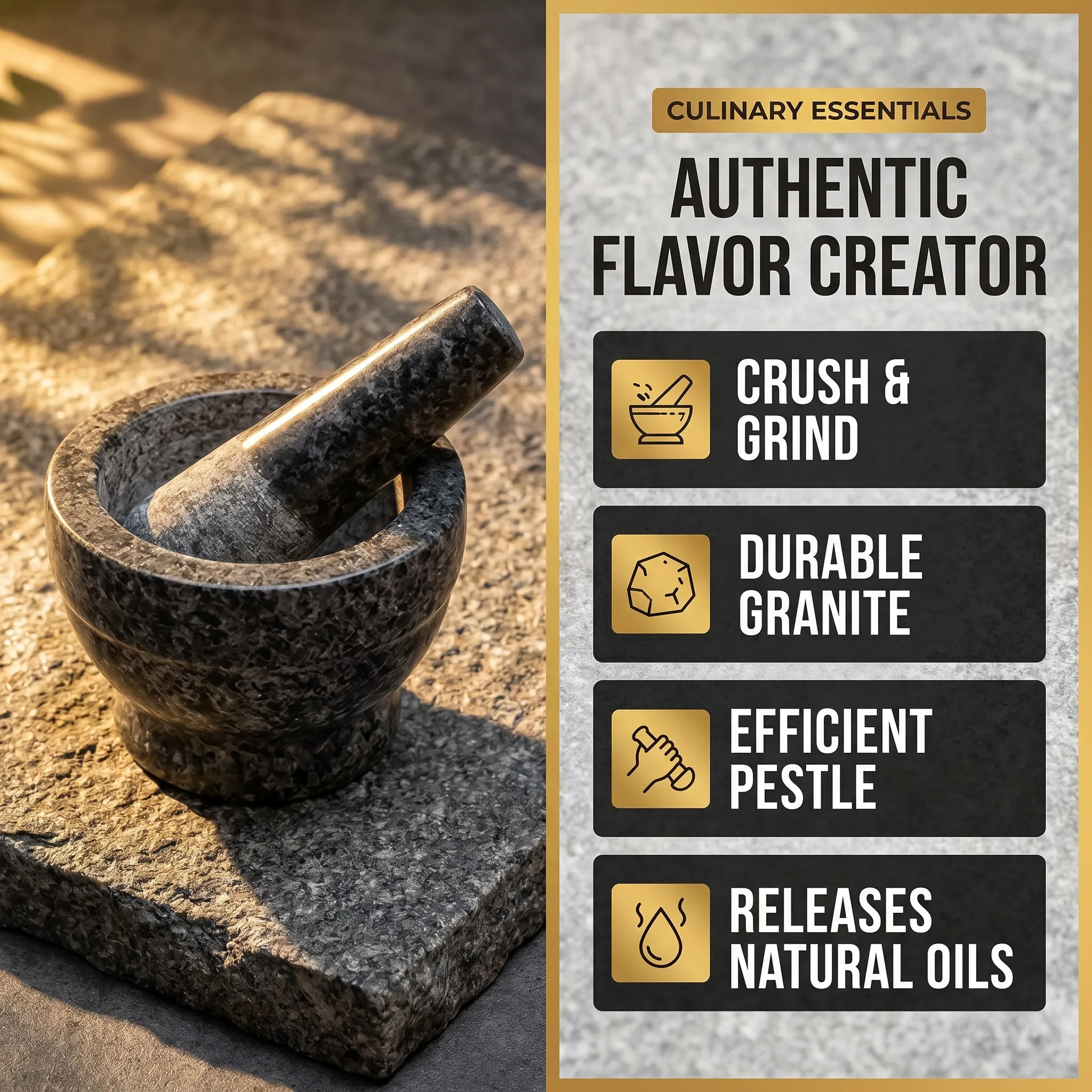
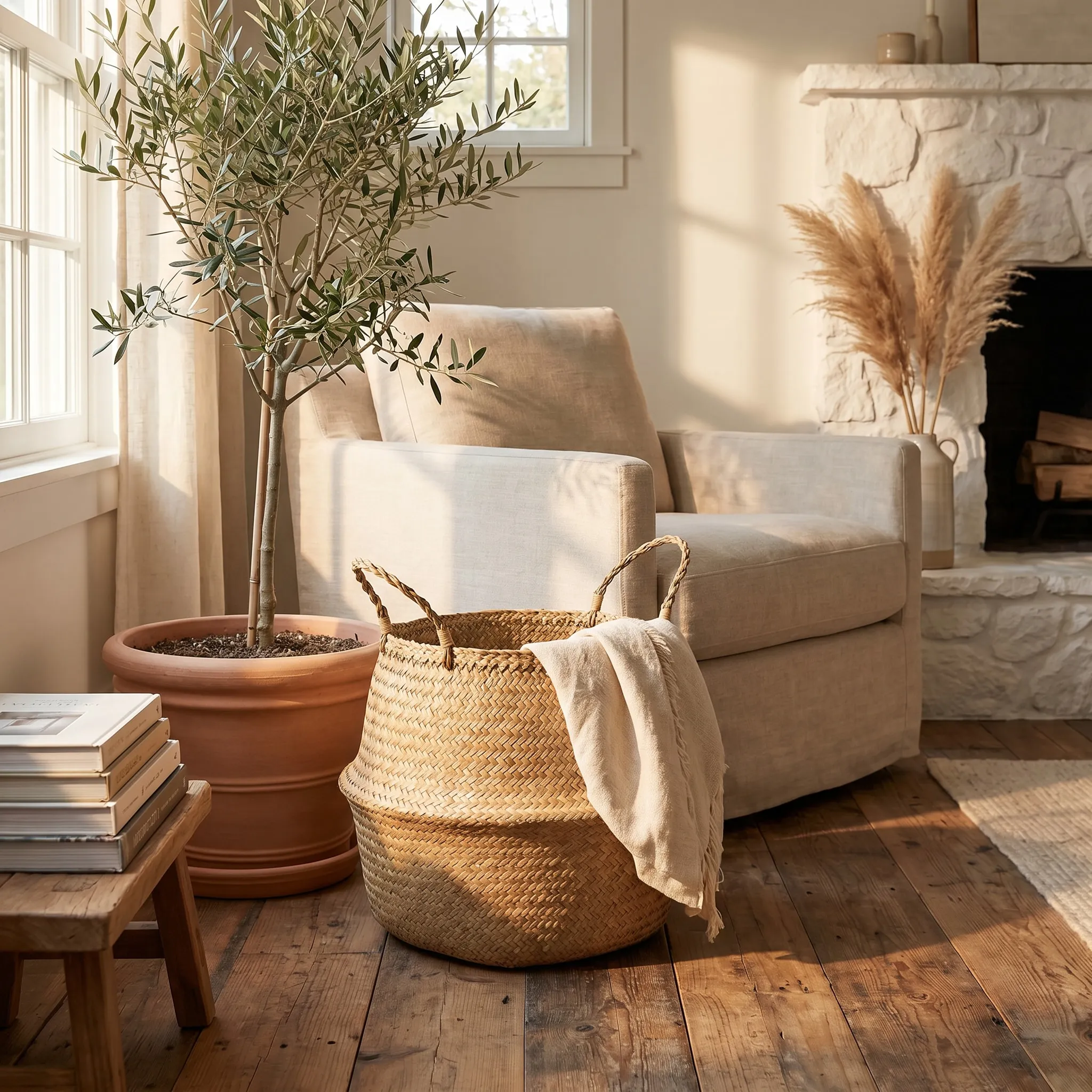
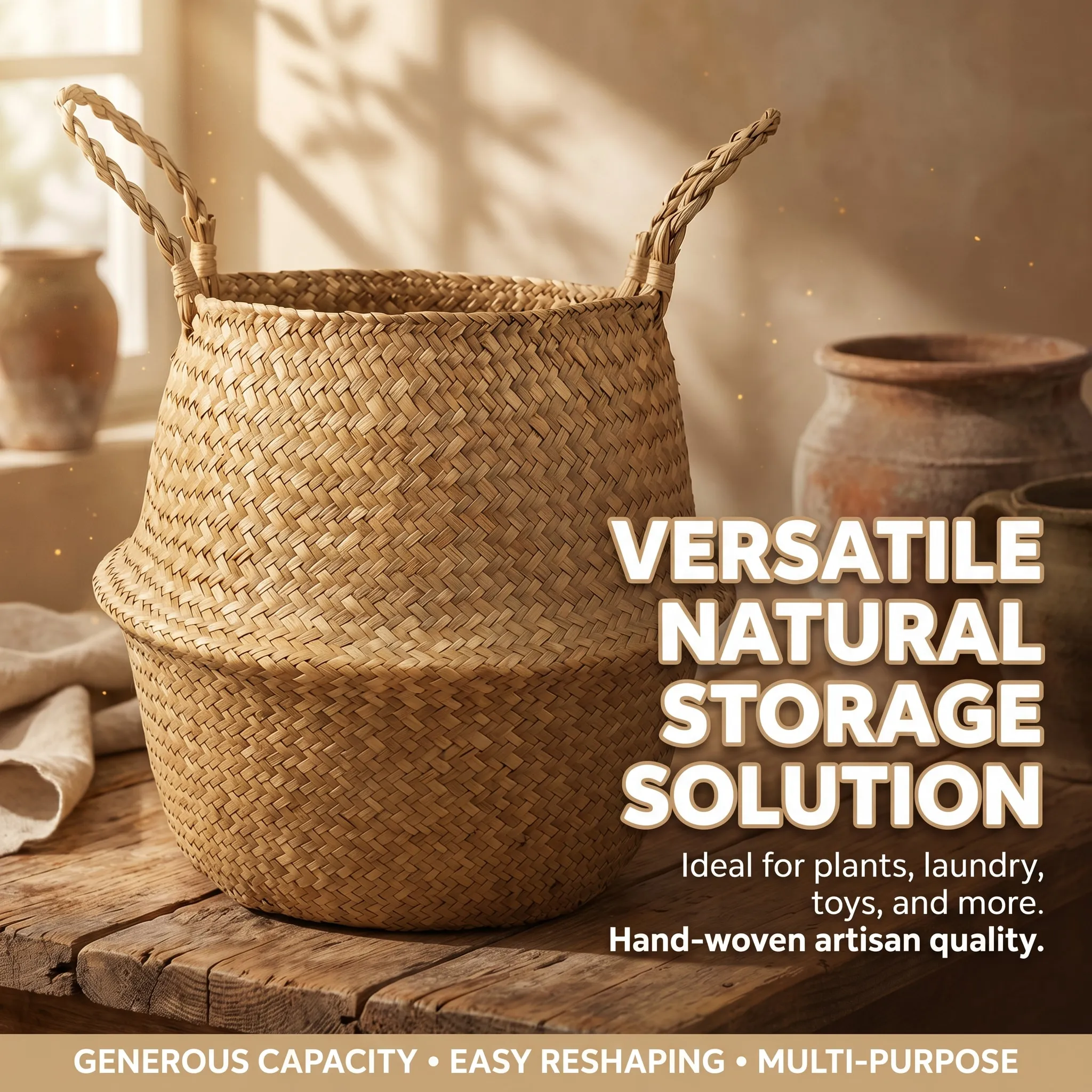
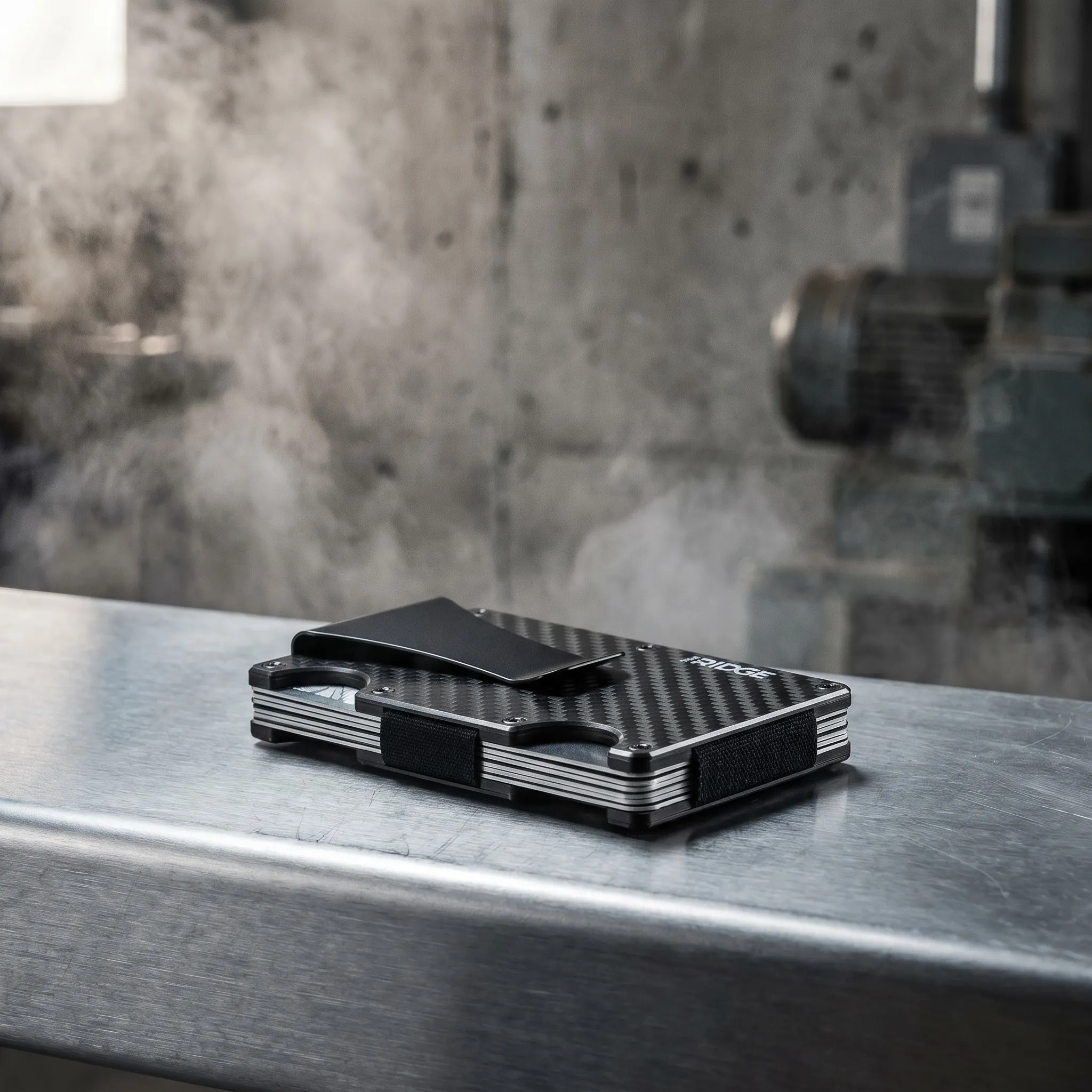
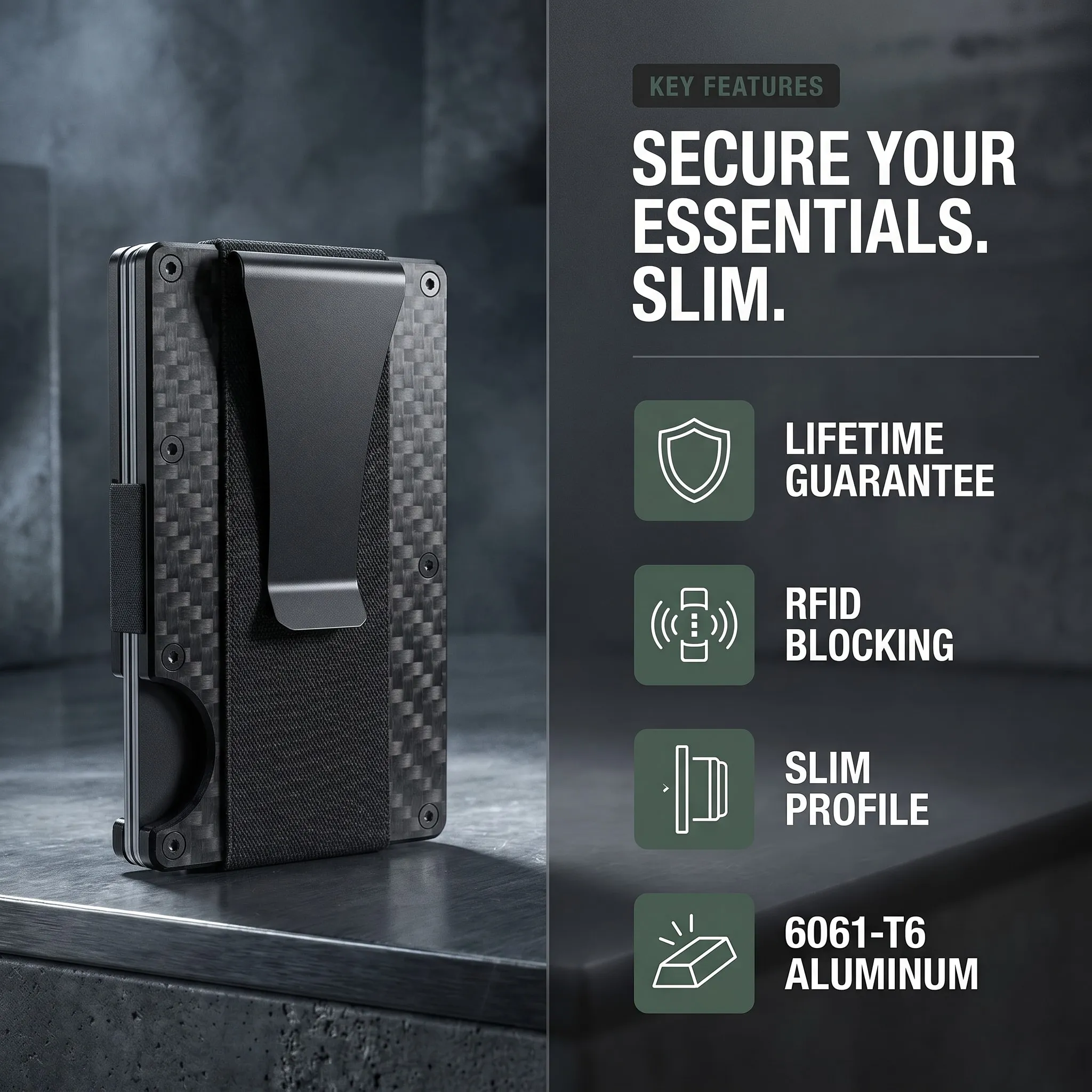
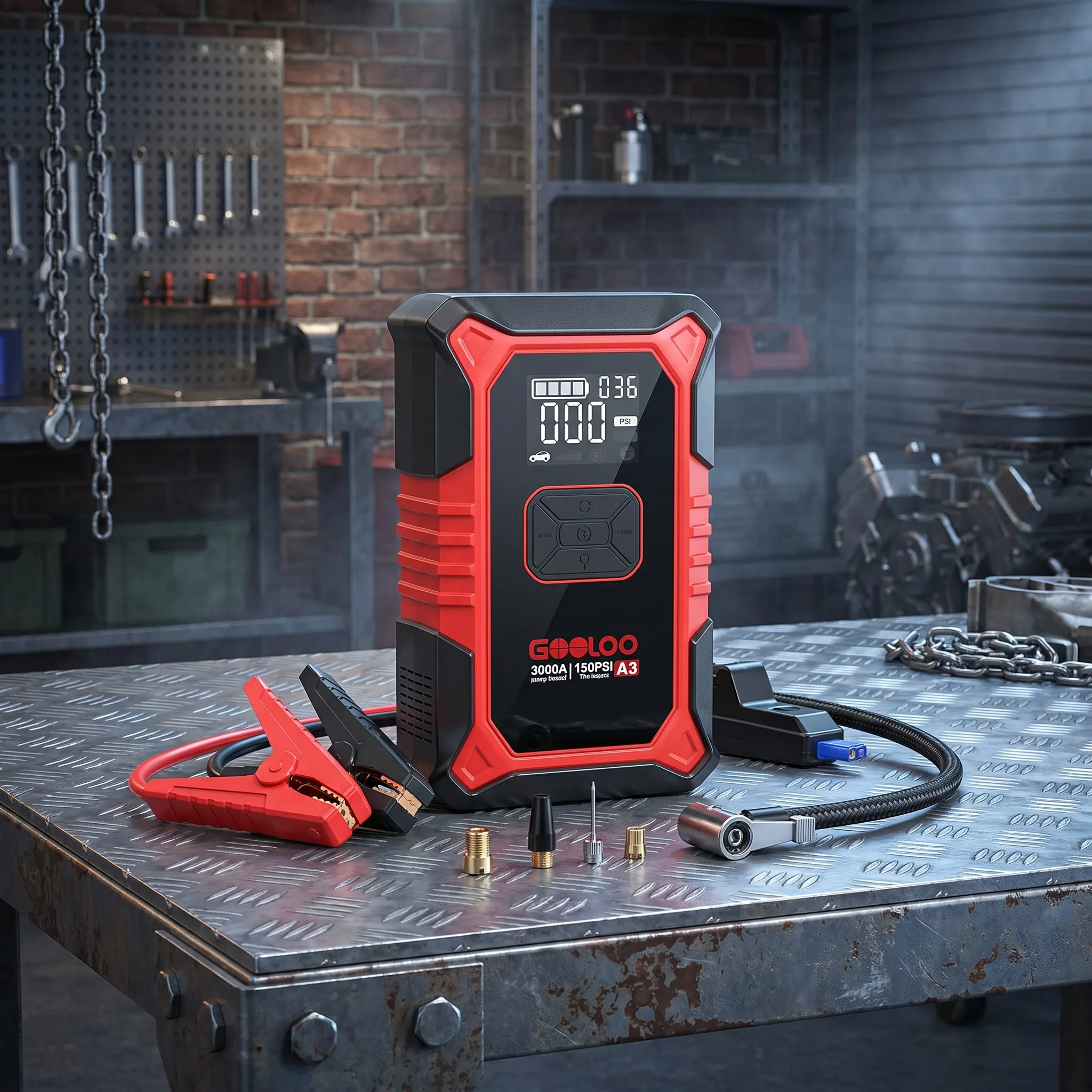
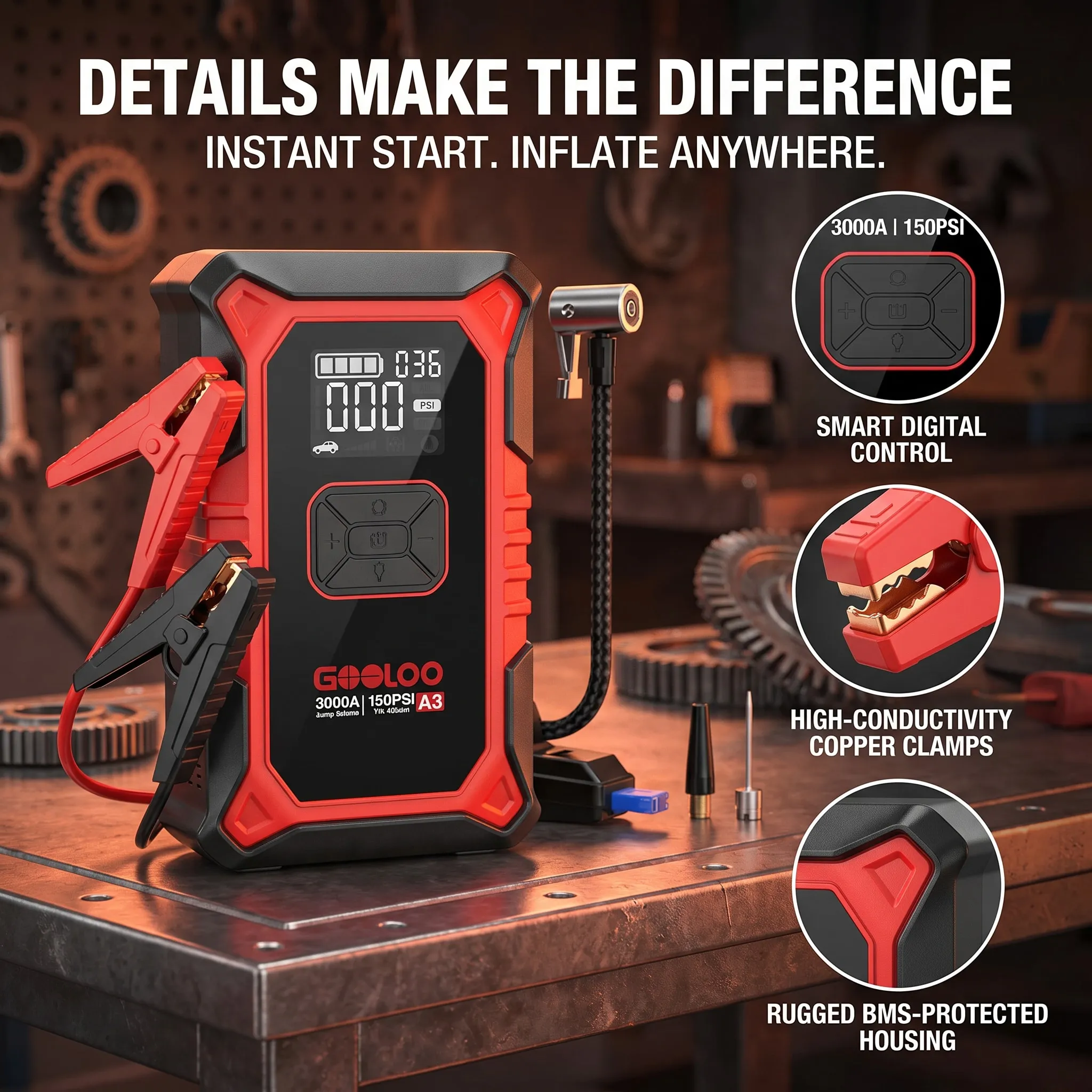
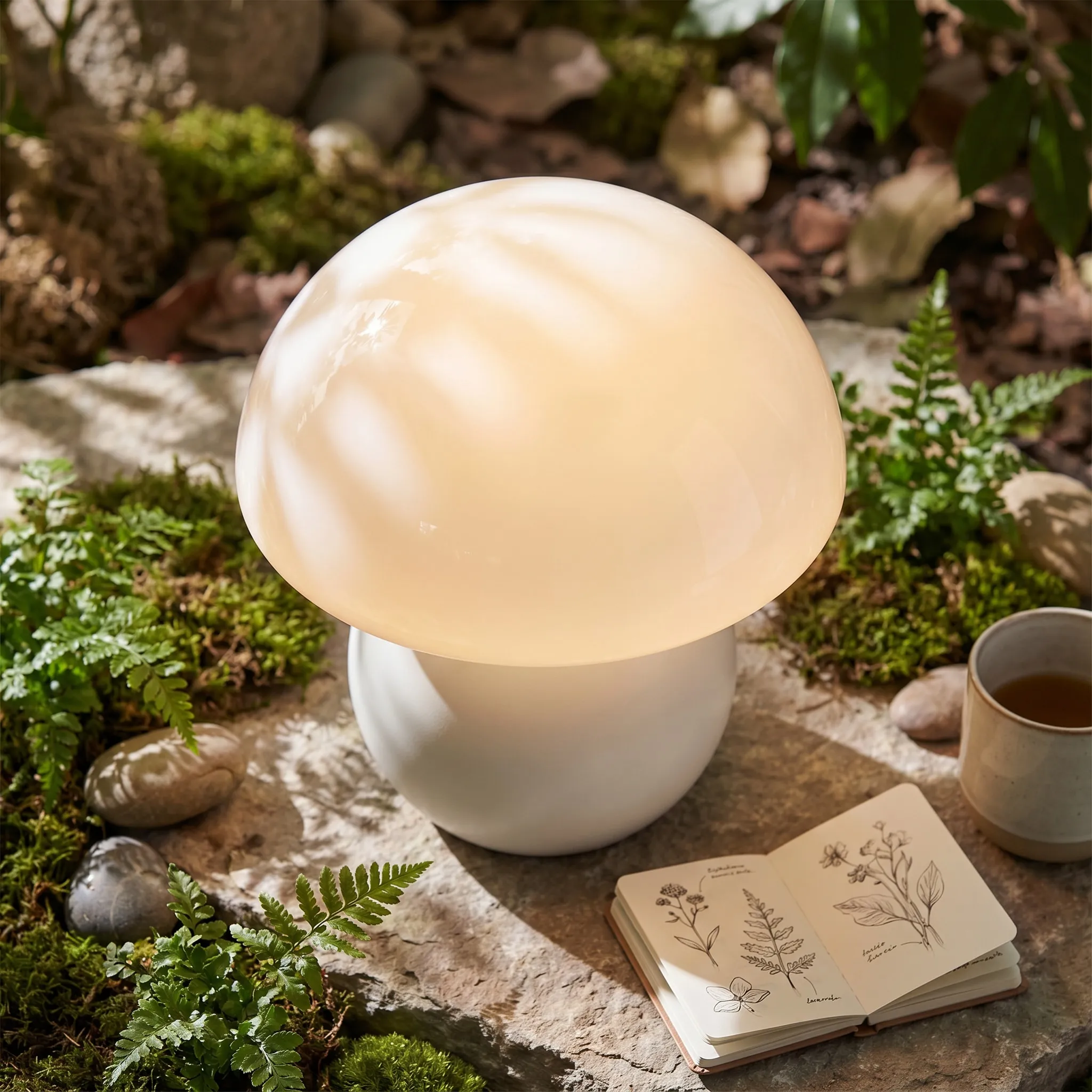
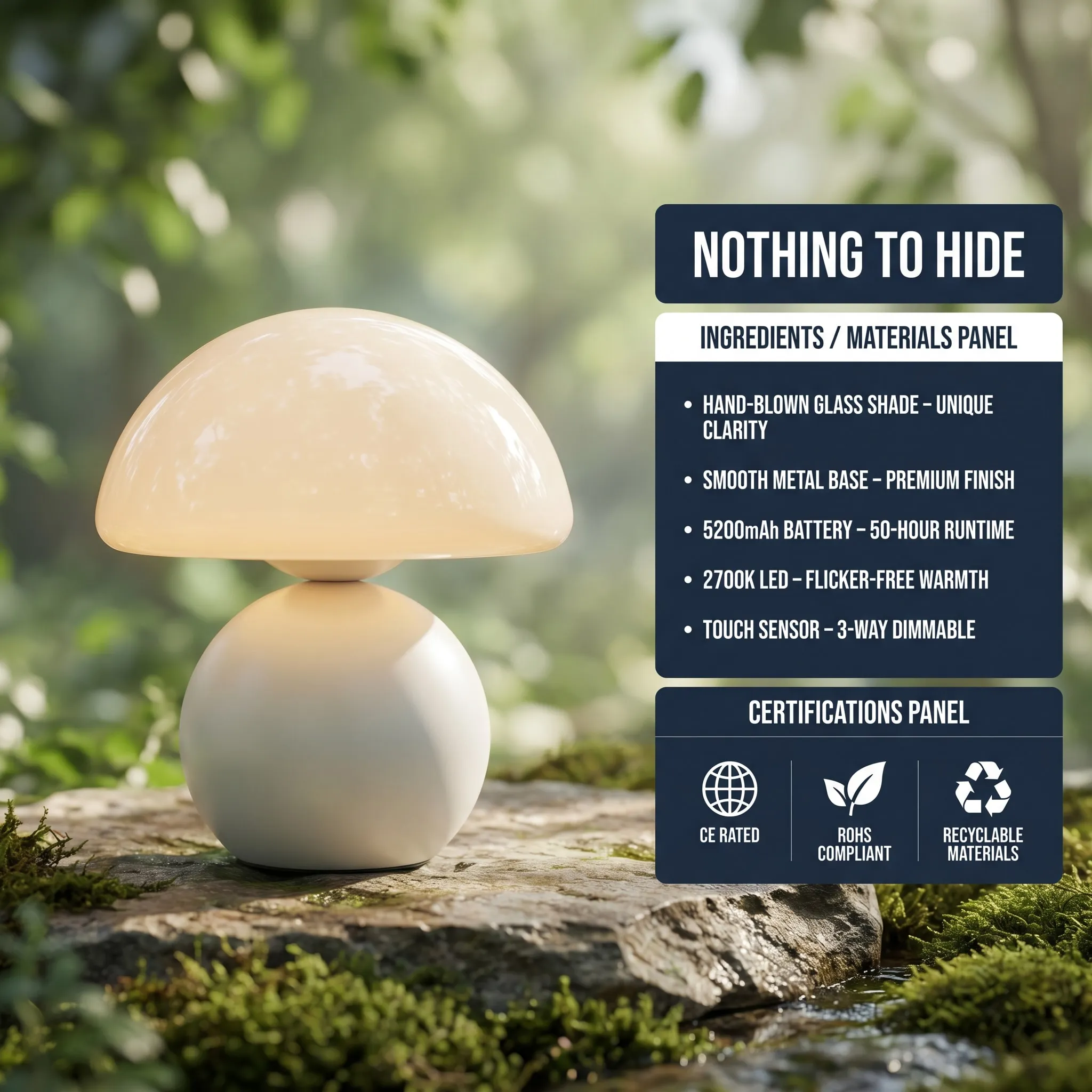
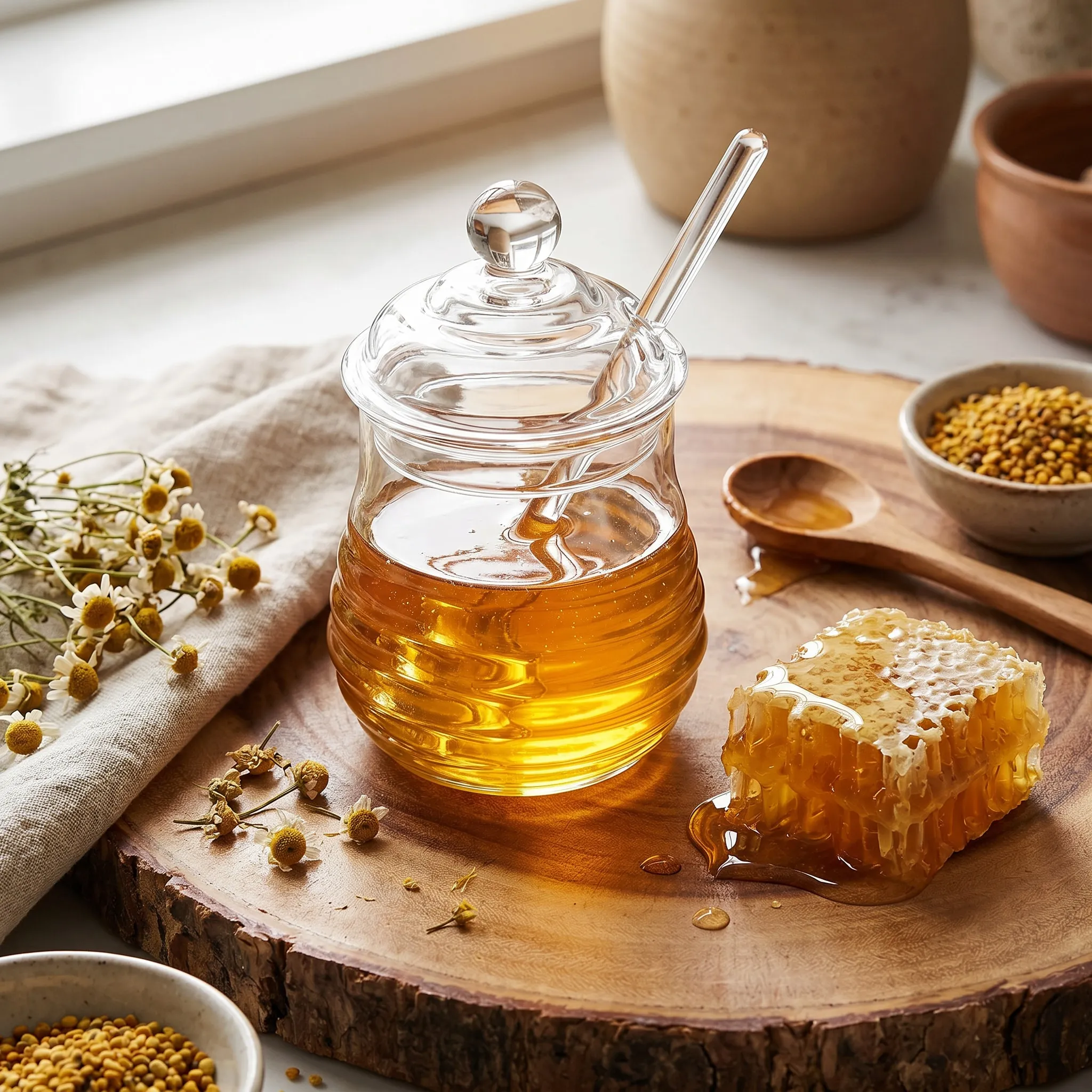
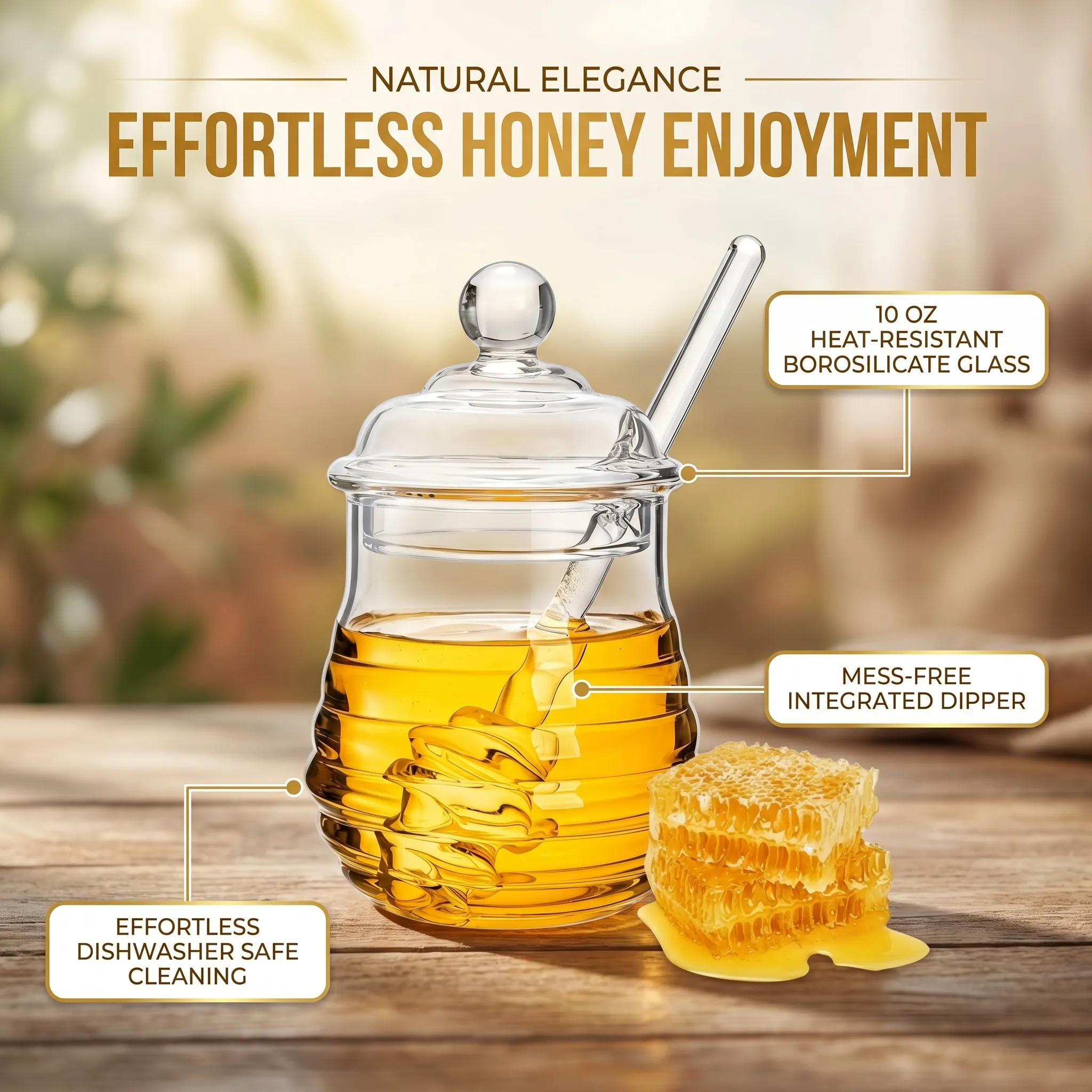
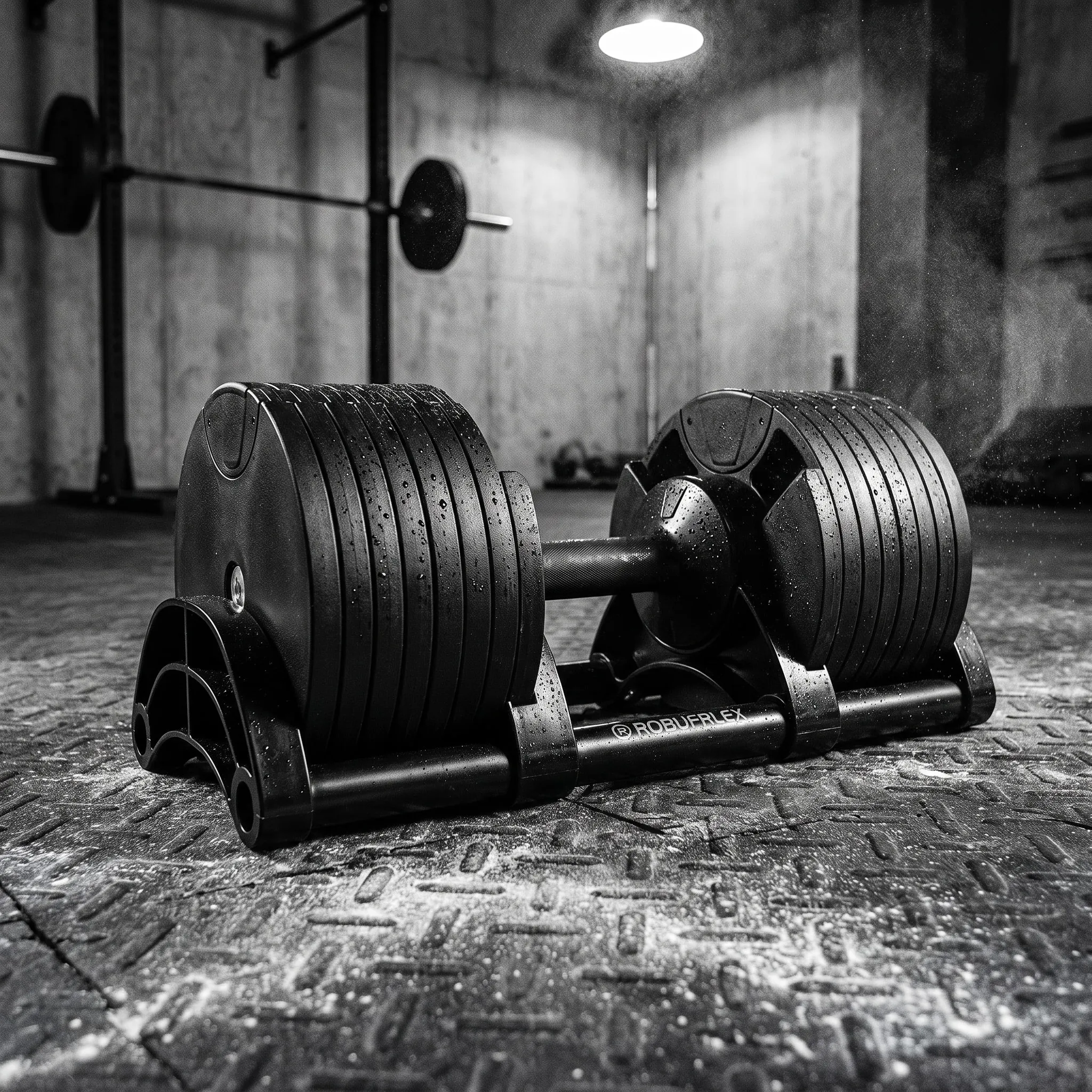
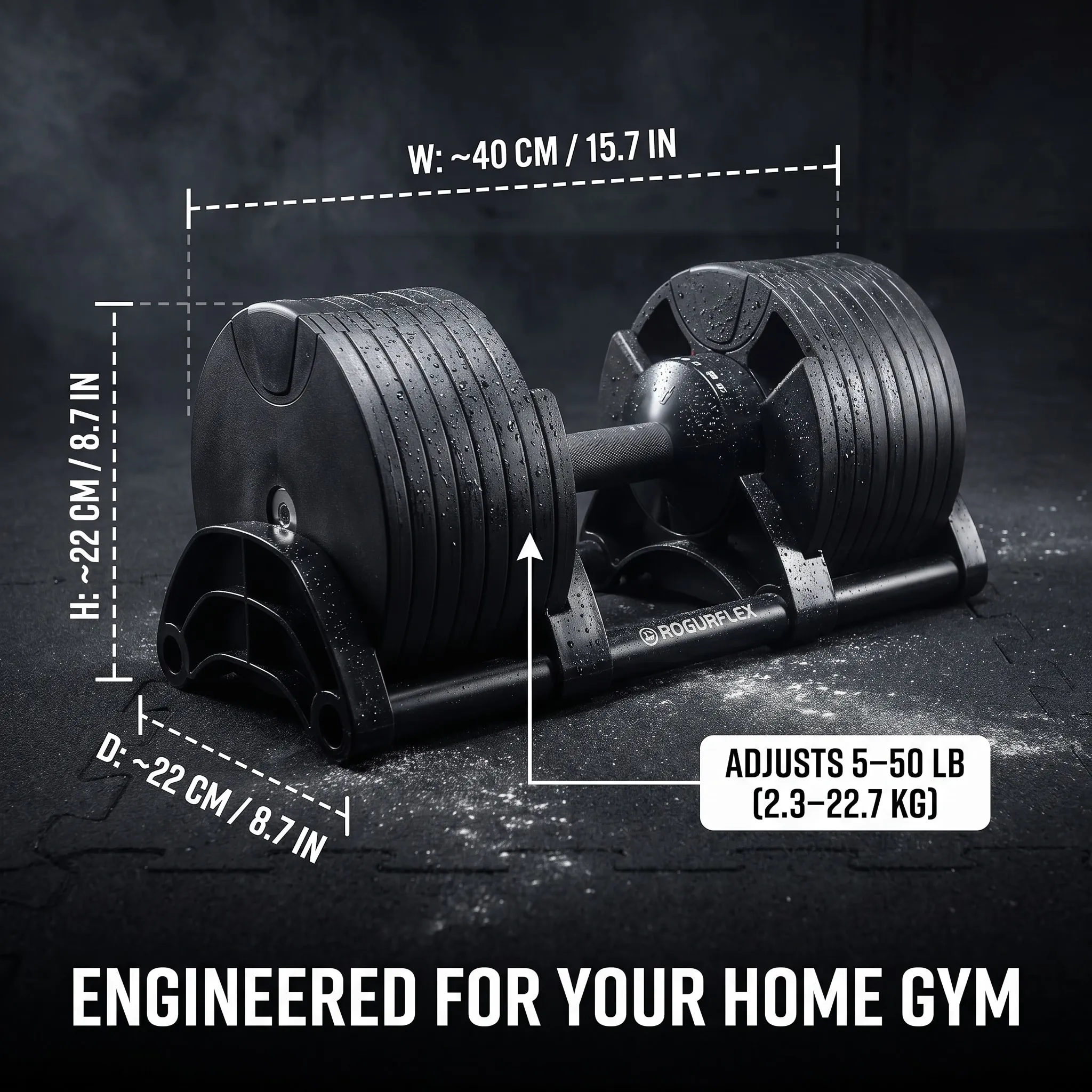
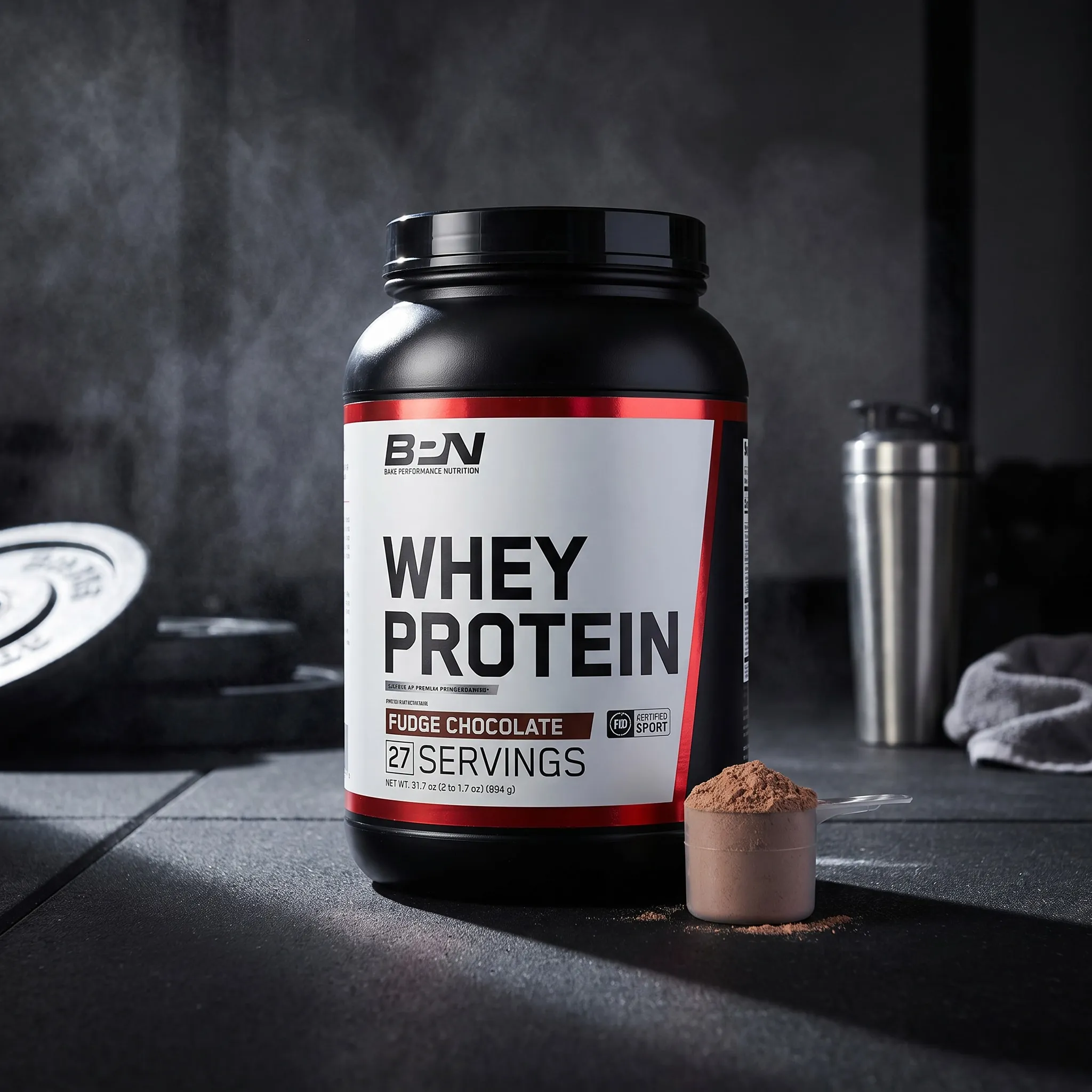
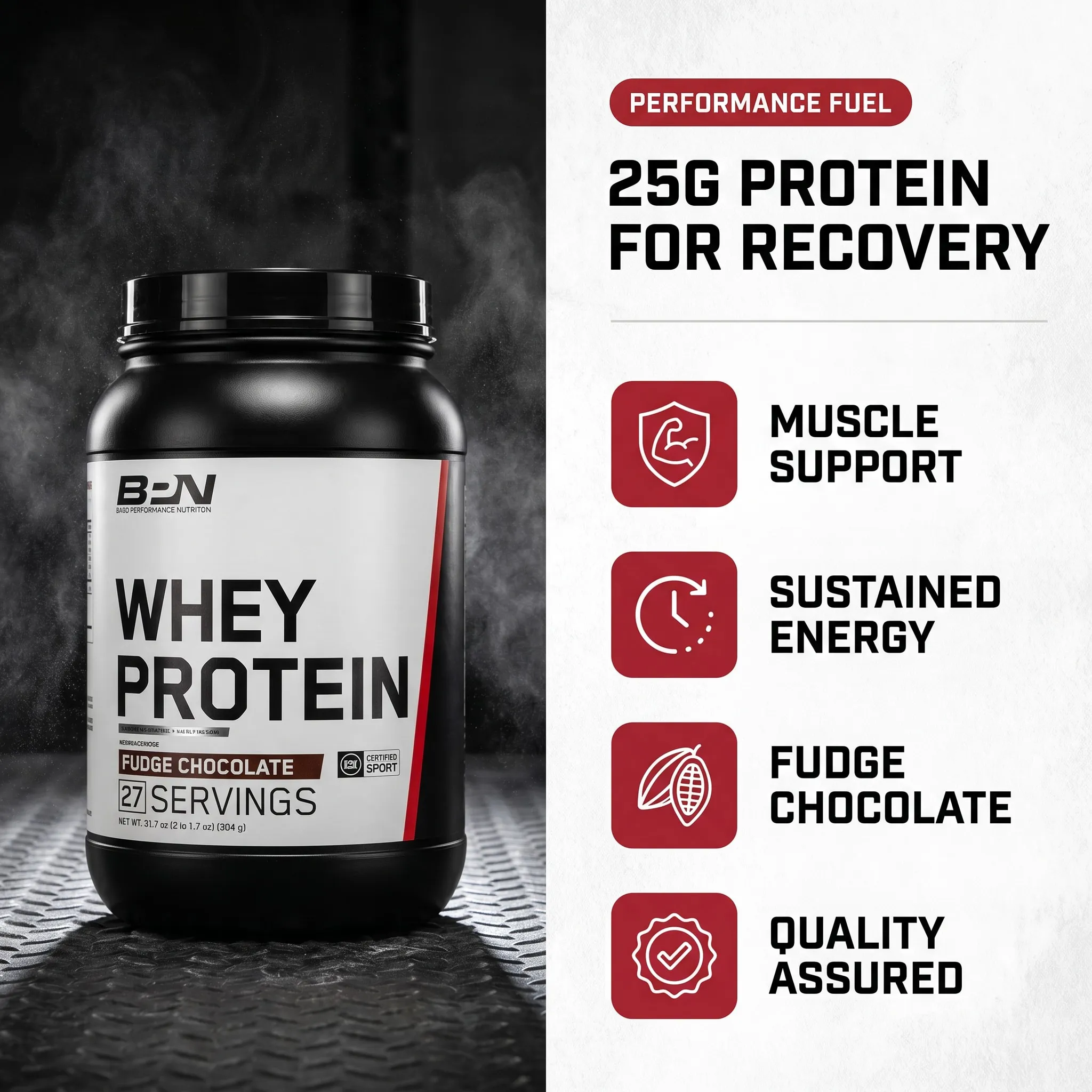
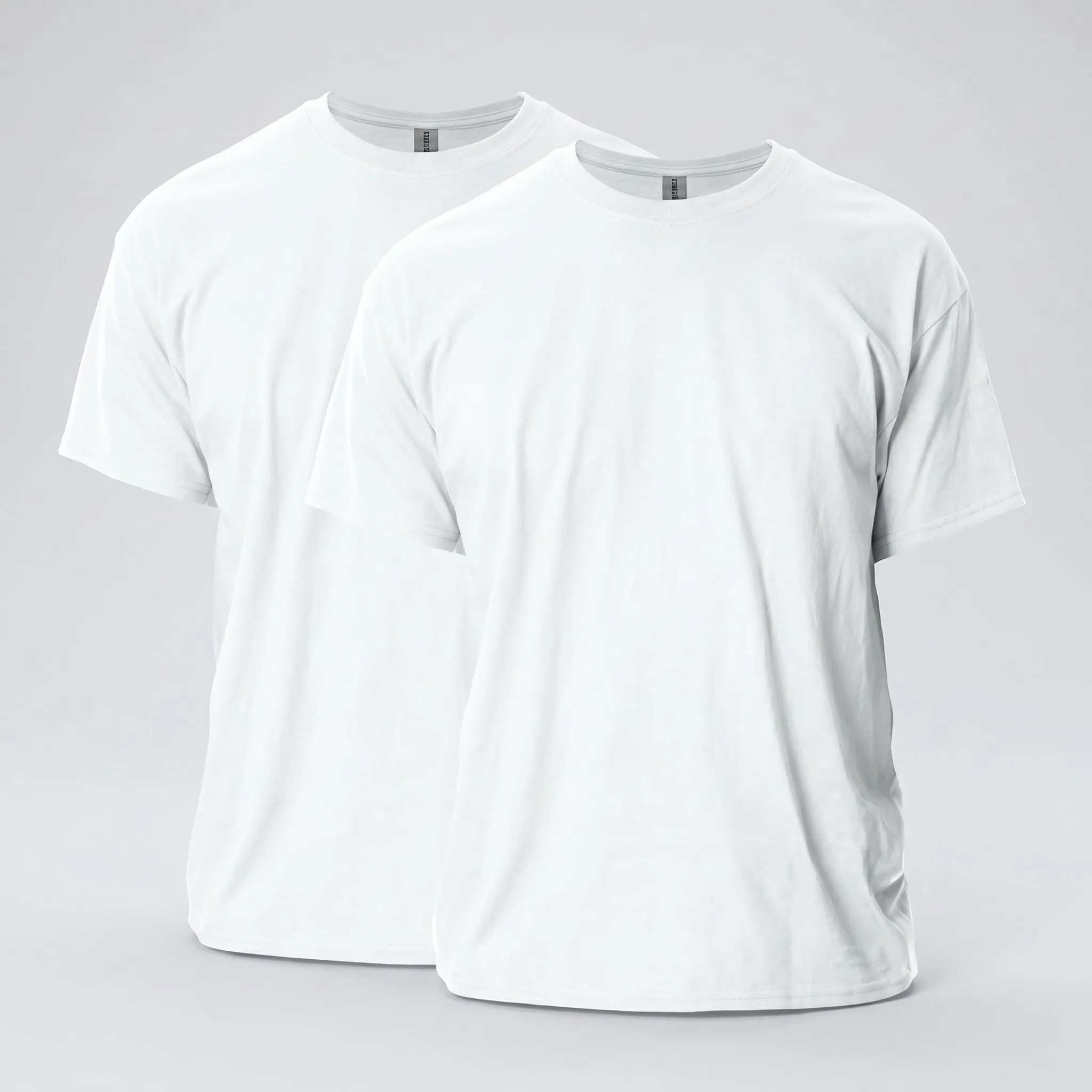
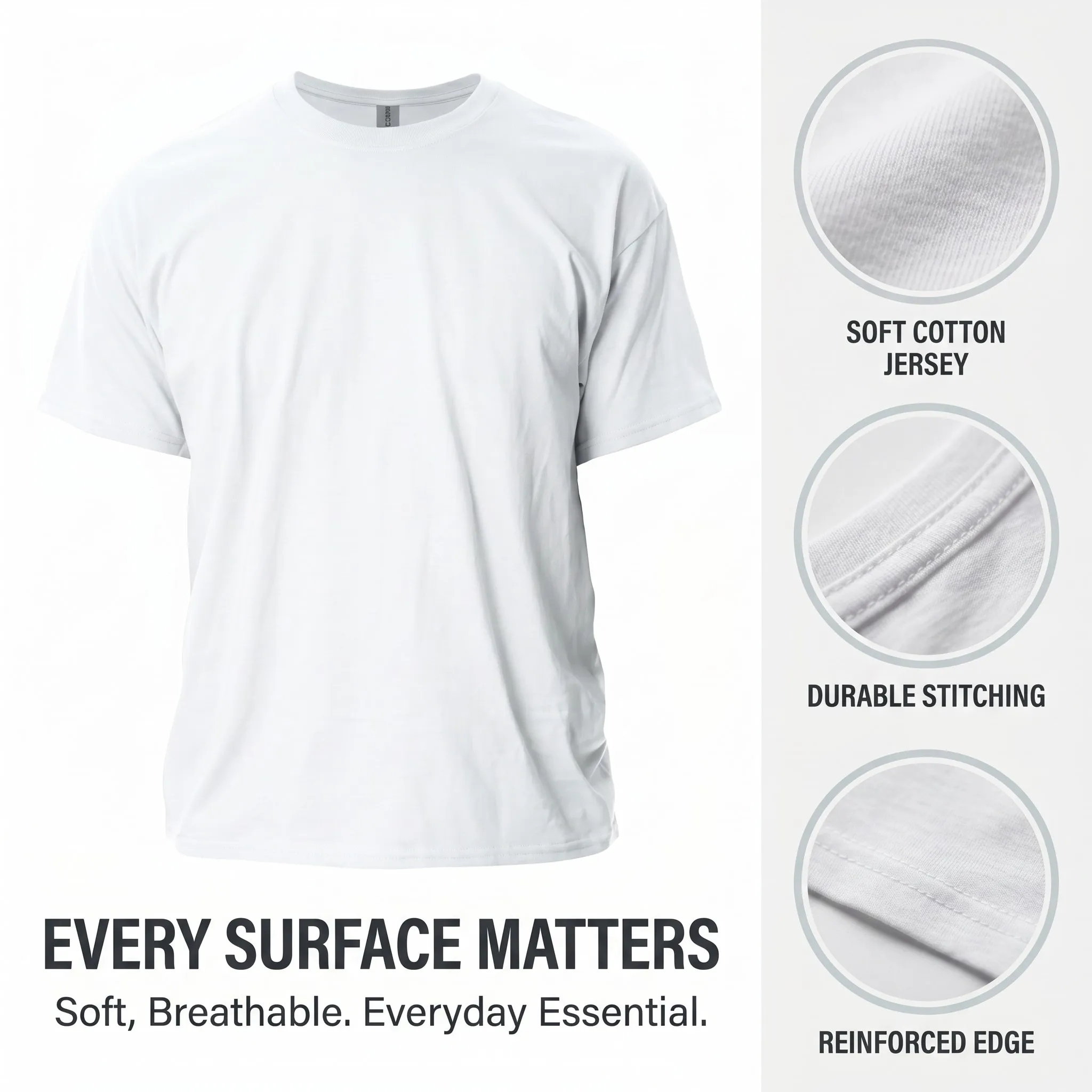
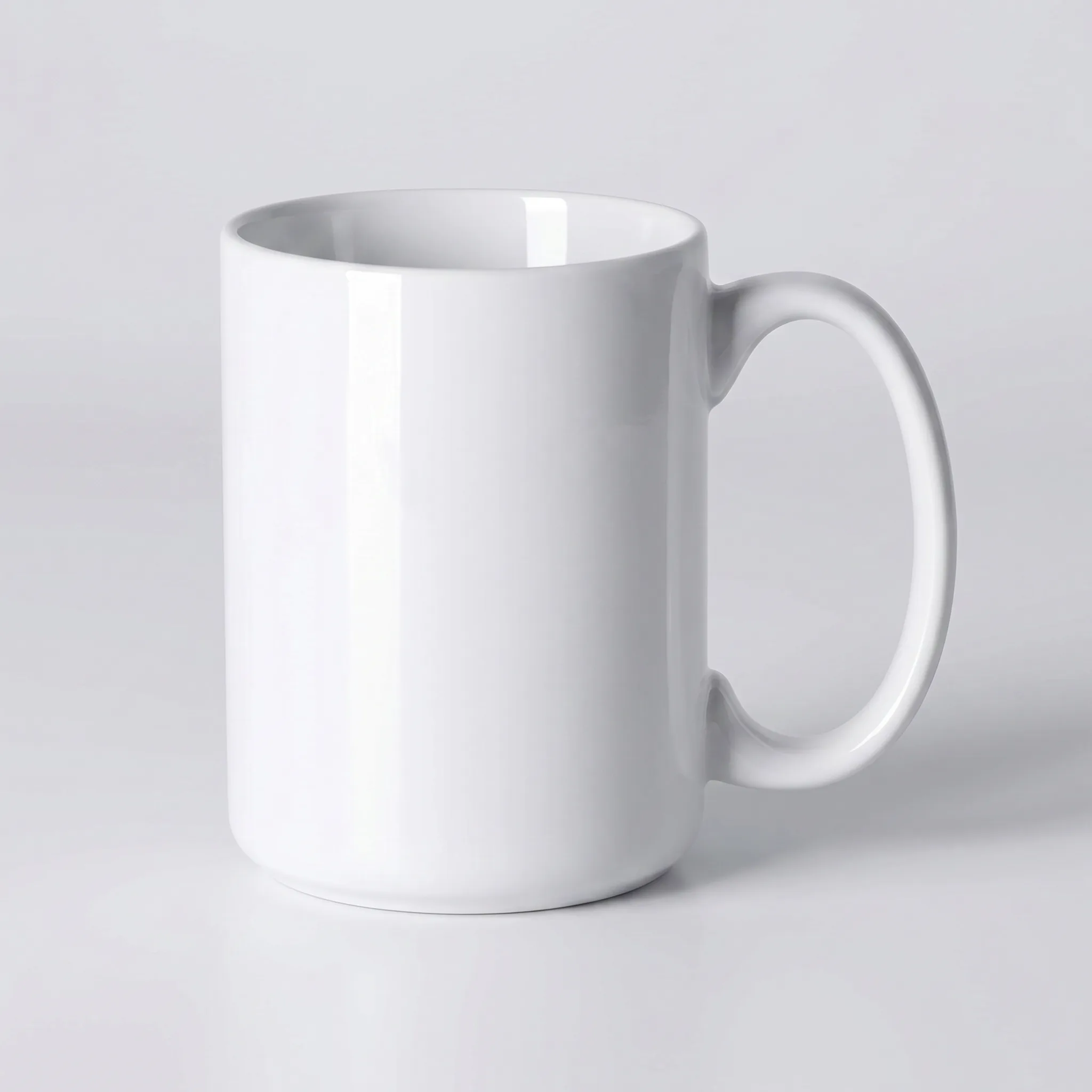
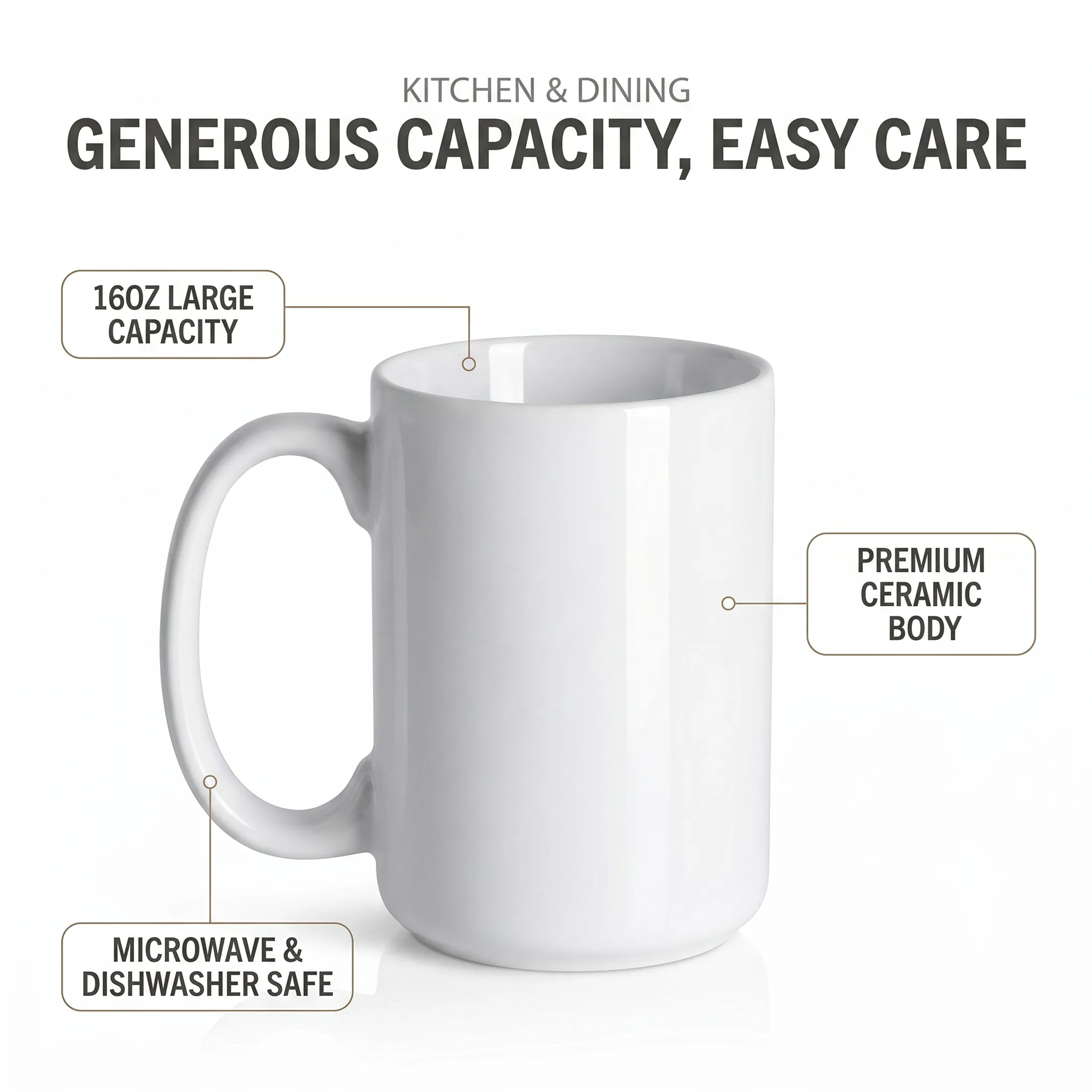
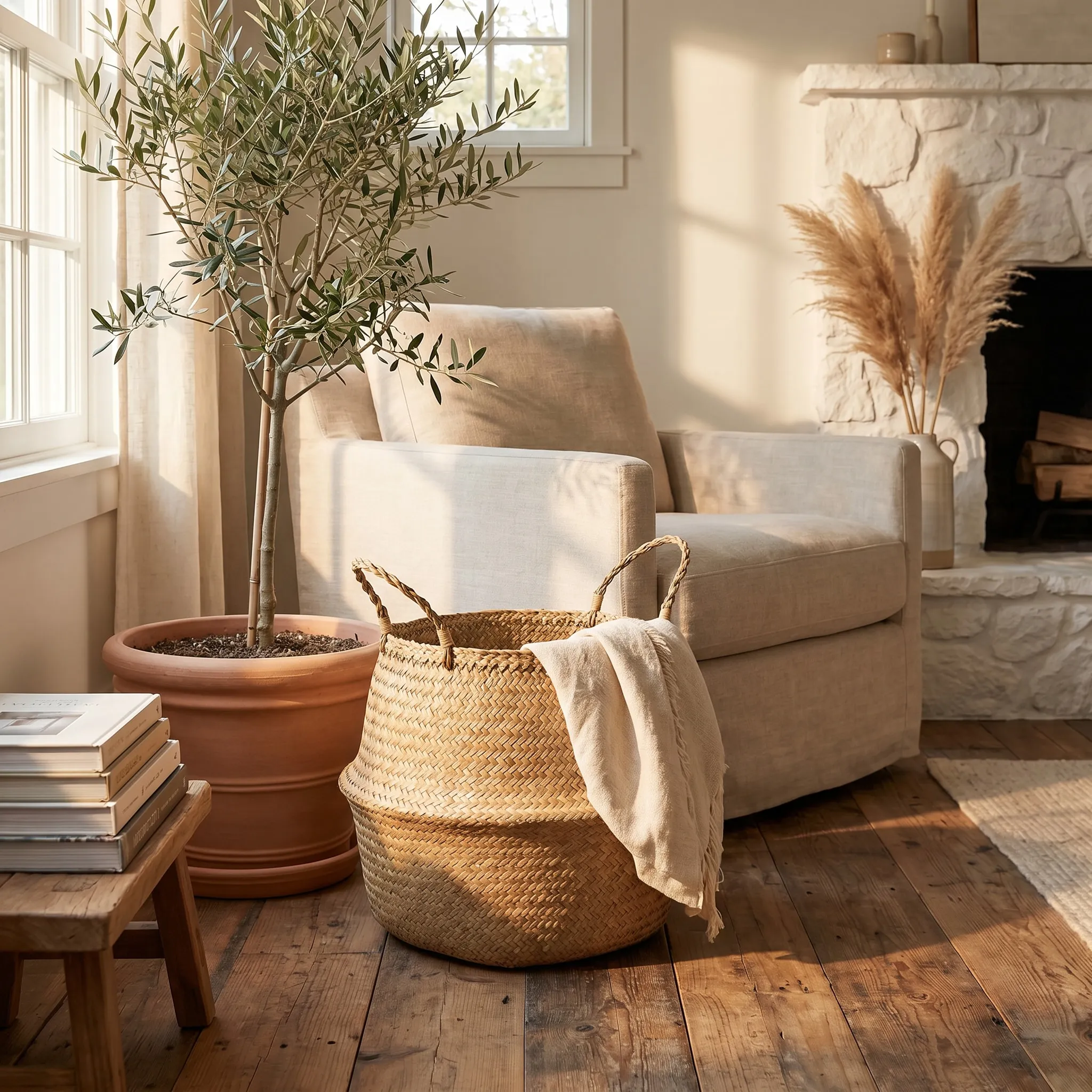
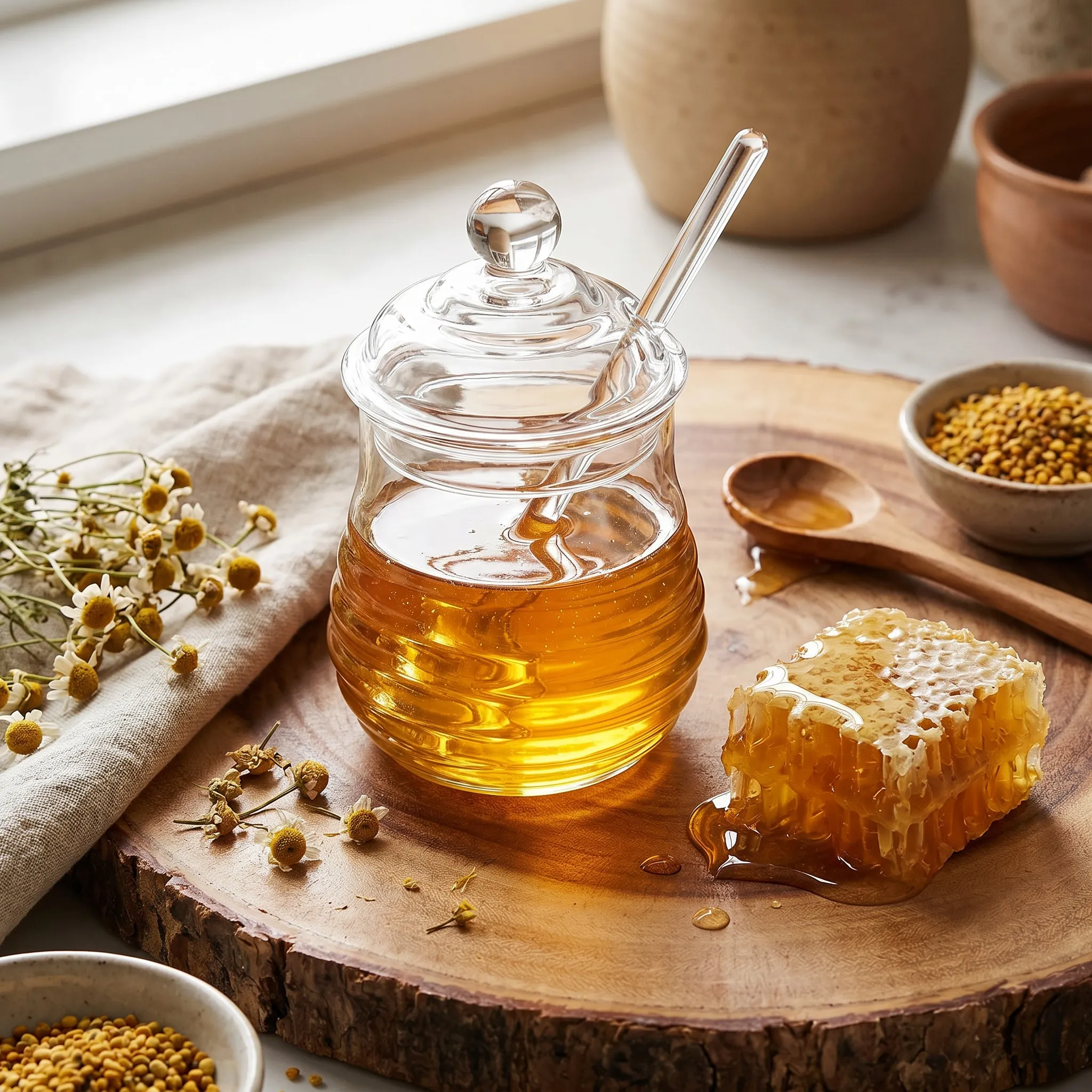
Minimalist vibe — Electric Candle Lighter lifestyle shot Minimalist vibe — Electric Candle Lighter infographic Minimalist vibe — Transparent Sticky Notes lifestyle shot Minimalist vibe — Transparent Sticky Notes infographic Rustic vibe — Stone Mortar & Pestle lifestyle shot Rustic vibe — Stone Mortar & Pestle infographic Rustic vibe — Woven Seagrass Belly Basket lifestyle shot Rustic vibe — Woven Seagrass Belly Basket infographic Vibrant vibe — Bubble Gun Launcher lifestyle shot Vibrant vibe — Bubble Gun Launcher infographic Vibrant vibe — Acrylic Book Vase lifestyle shot Vibrant vibe — Acrylic Book Vase infographic Industrial vibe — Carbon Fibre Ridge Wallet lifestyle shot Industrial vibe — Carbon Fibre Ridge Wallet infographic Industrial vibe — Portable Car Jump Starter lifestyle shot Industrial vibe — Portable Car Jump Starter infographic Organic vibe — Mushroom Table Lamp lifestyle shot Organic vibe — Mushroom Table Lamp infographic Organic vibe — Glass Honey Jar with Dipper lifestyle shot Organic vibe — Glass Honey Jar with Dipper infographic High-Tech vibe — VR Headset lifestyle shot High-Tech vibe — VR Headset infographic High-Tech vibe — Smartwatch lifestyle shot High-Tech vibe — Smartwatch infographic Athletic vibe — Adjustable Dumbbells lifestyle shot Athletic vibe — Adjustable Dumbbells infographic Athletic vibe — Protein Powder Tub lifestyle shot Athletic vibe — Protein Powder Tub infographic Studio Neutral vibe — Plain White T-Shirt lifestyle shot Studio Neutral vibe — Plain White T-Shirt infographic Studio Neutral vibe — White Ceramic Coffee Mug lifestyle shot Studio Neutral vibe — White Ceramic Coffee Mug infographic

Ready to begin?

Purchase tokens or explore Done-For-You packages to get started.

Still have questions? View the FAQ or contact support.